Private by design.
Connected by default.
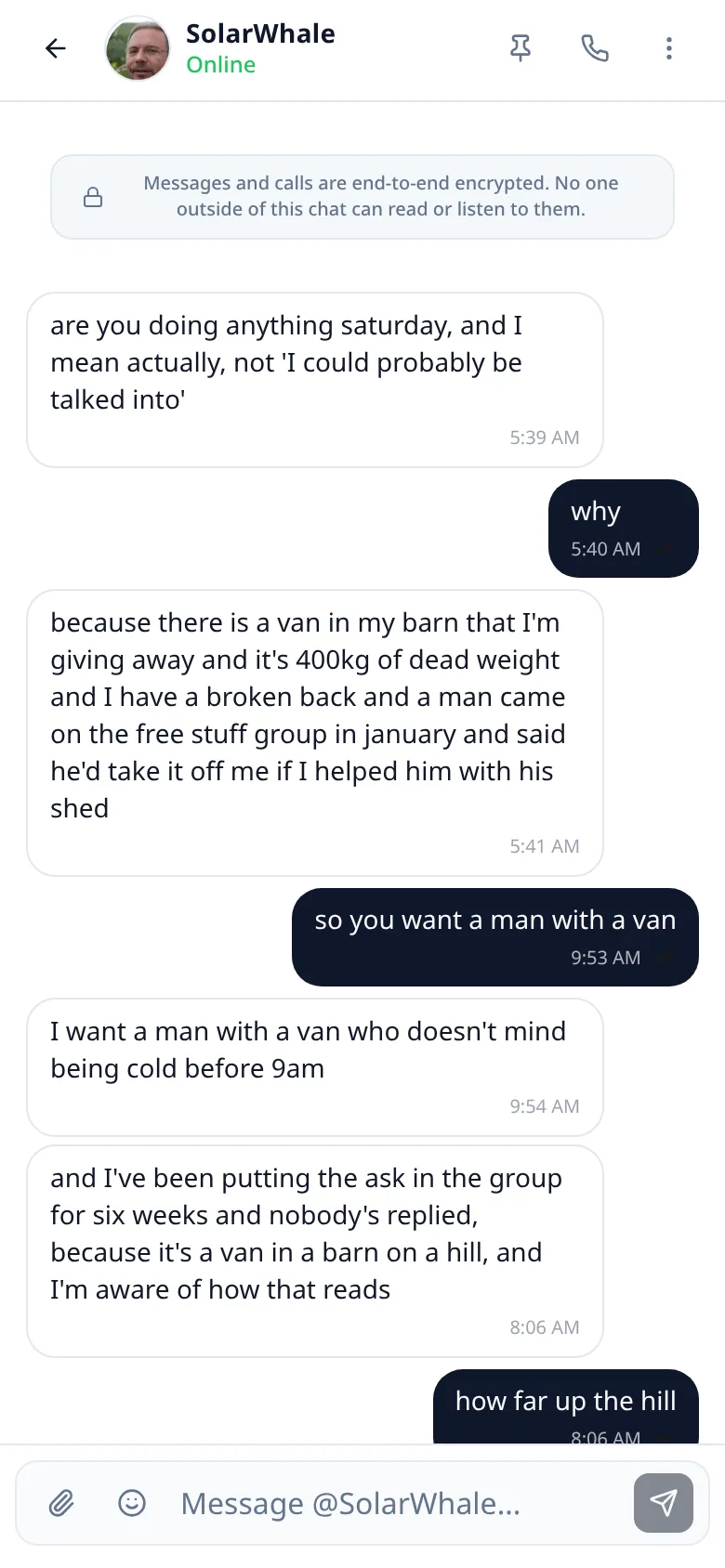
Lupyd is the team workspace where nothing leaks. Channels, messages, calls and files, end-to-end encrypted on every device you use.
macOS, Windows, Linux and Android. iOS in public beta.


See it in action
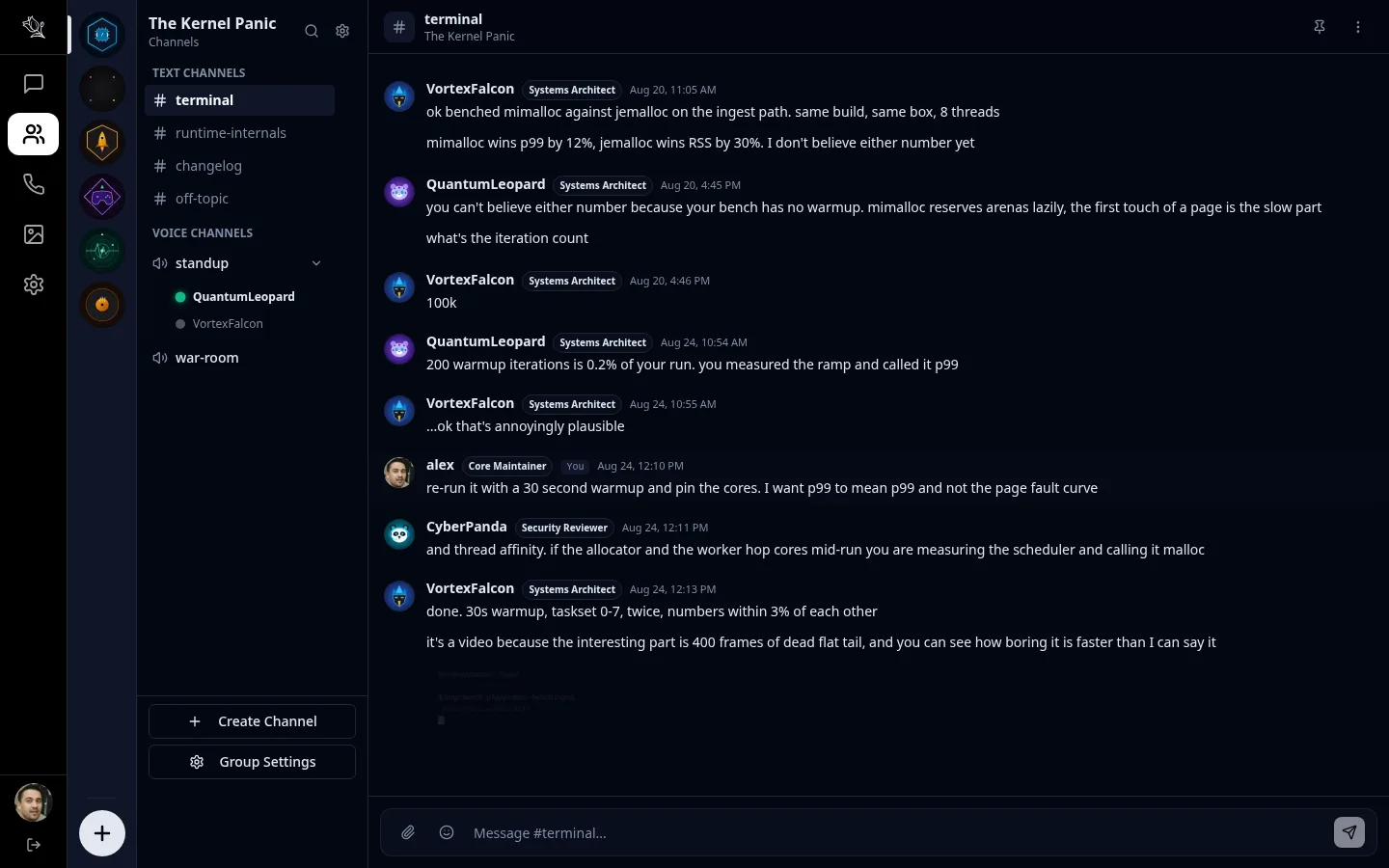
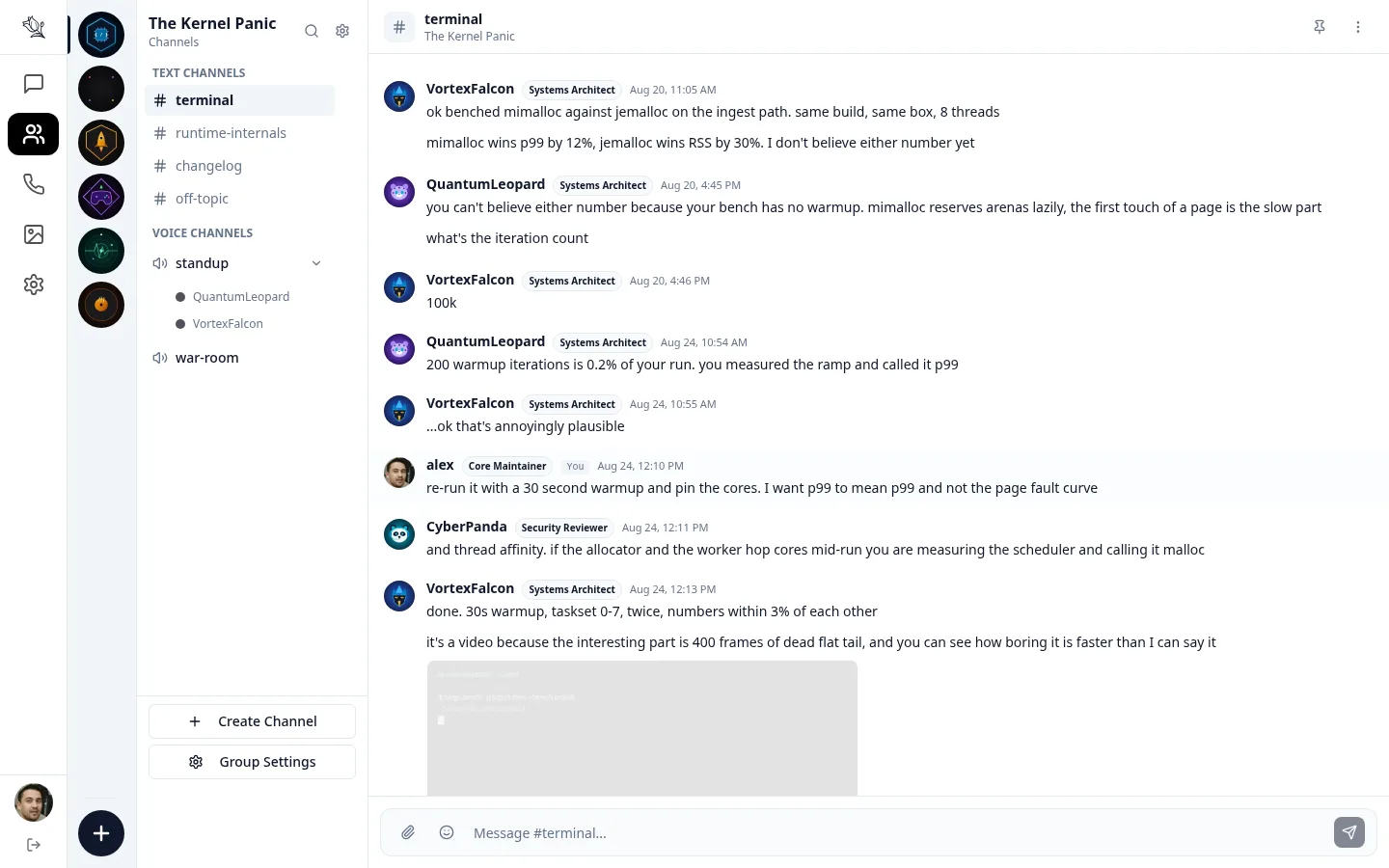
A ninety-second tour of channels, messaging and calls in Lupyd.
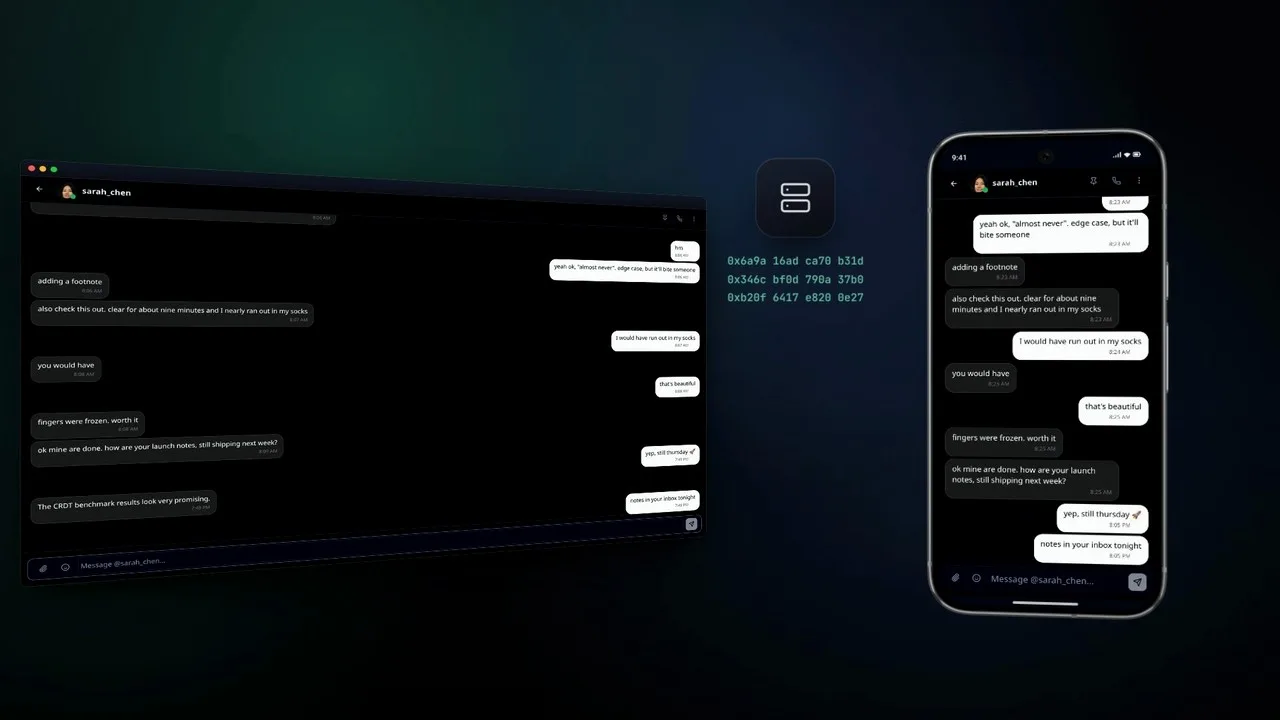
One workspace for the whole team
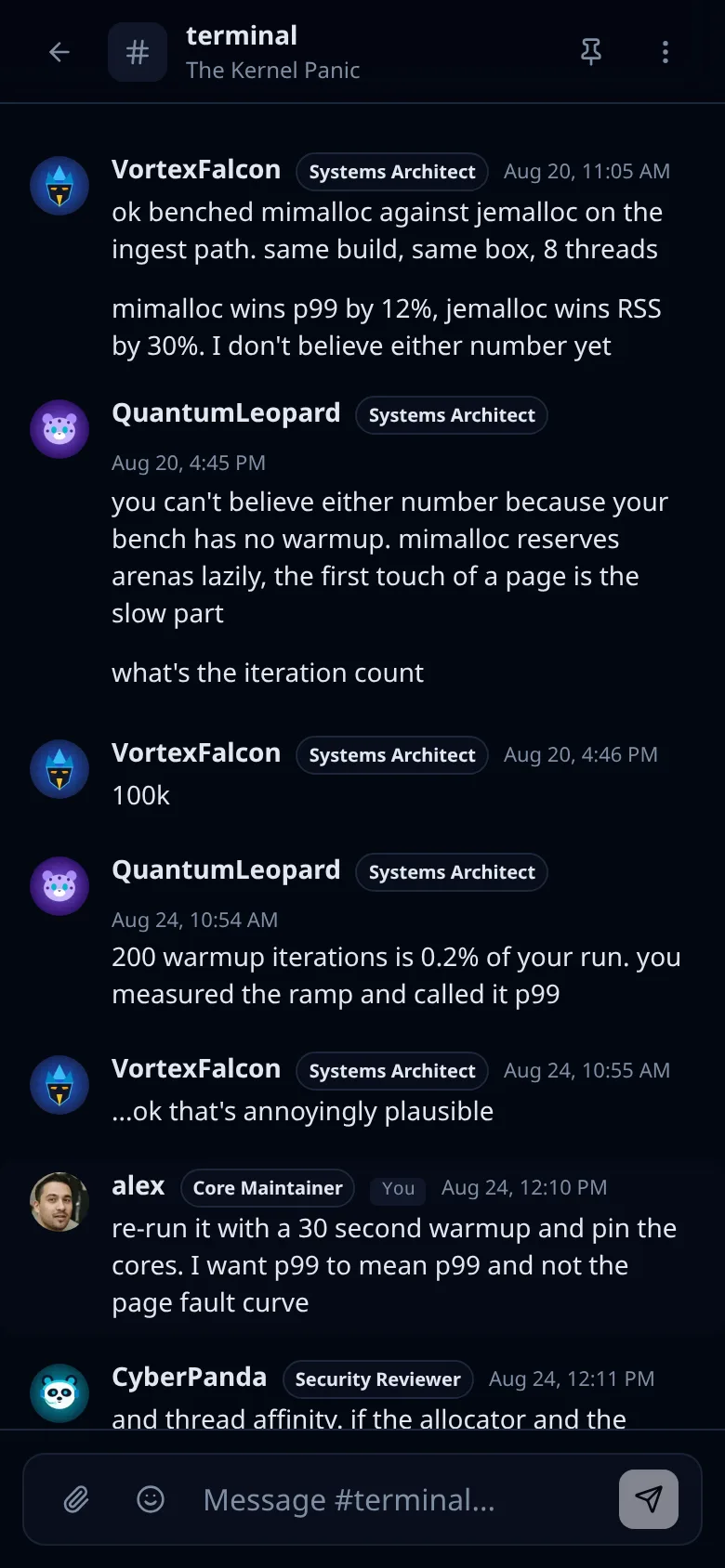
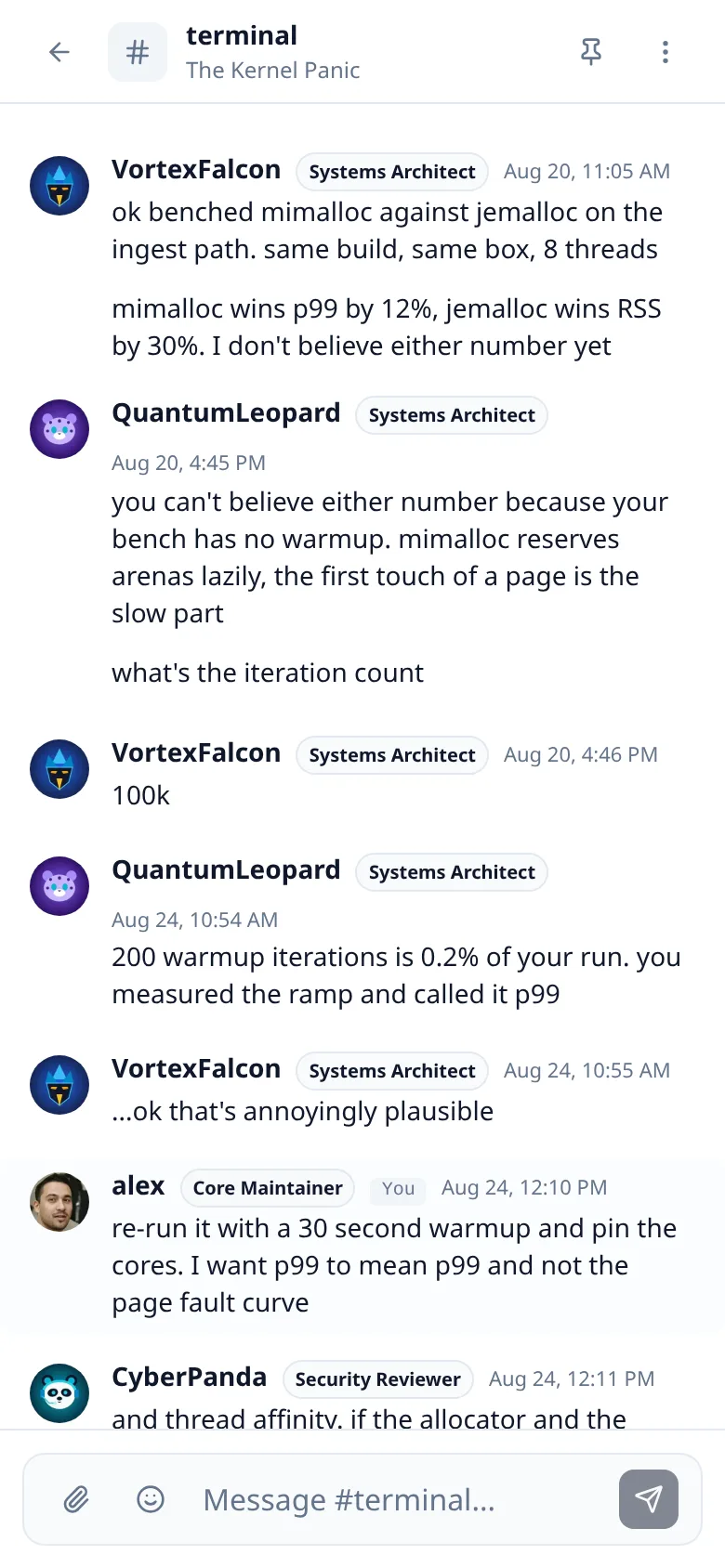
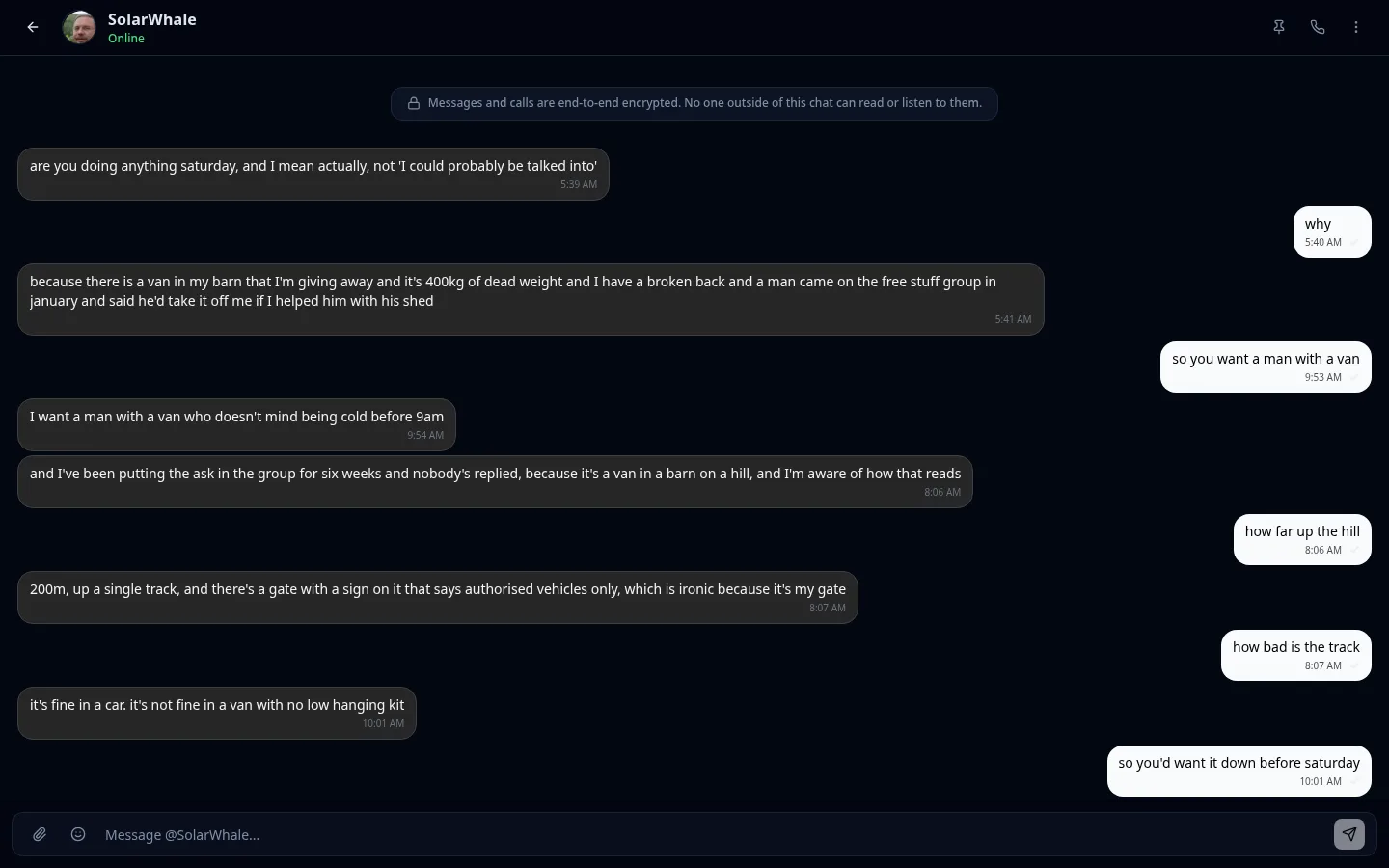
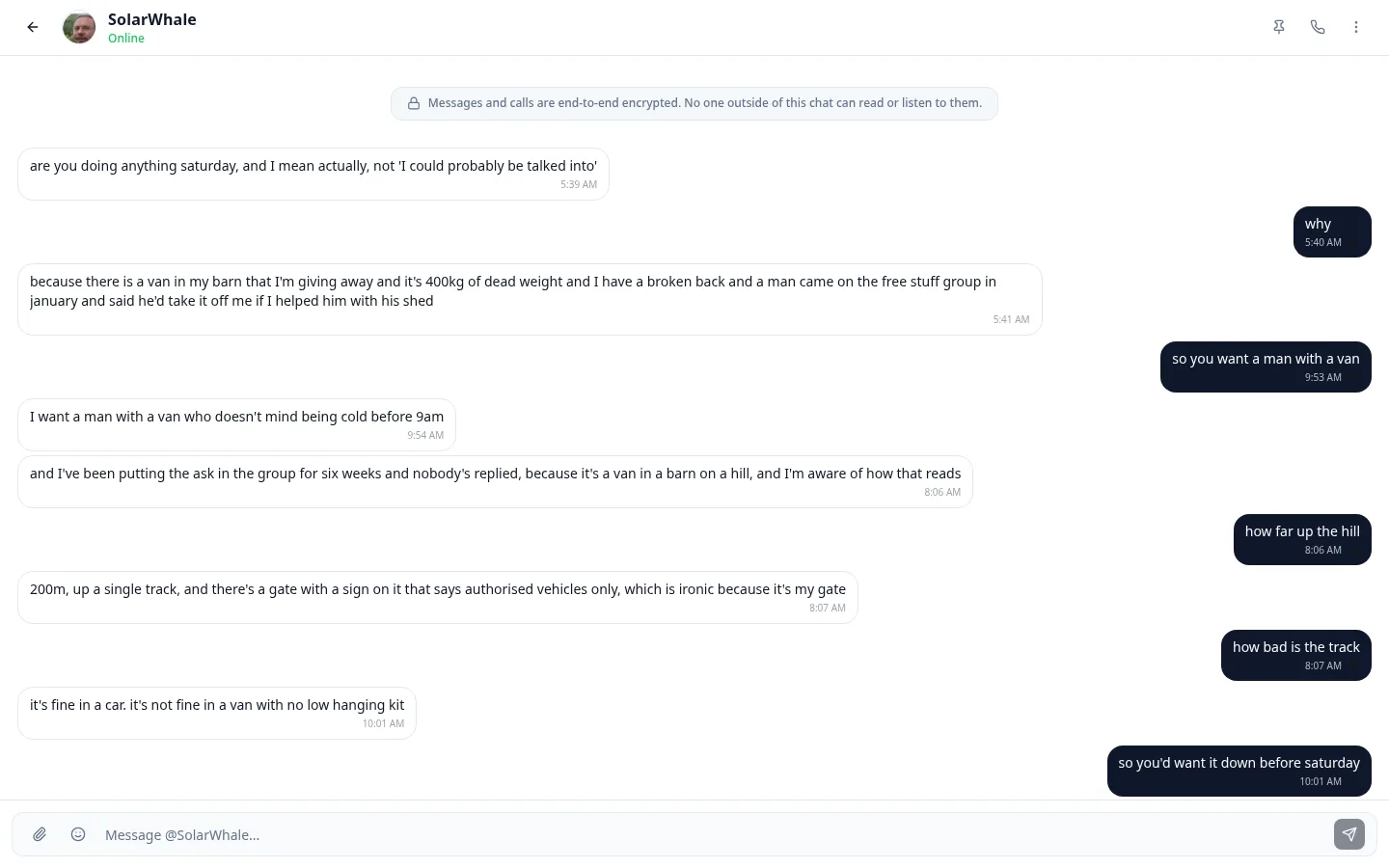
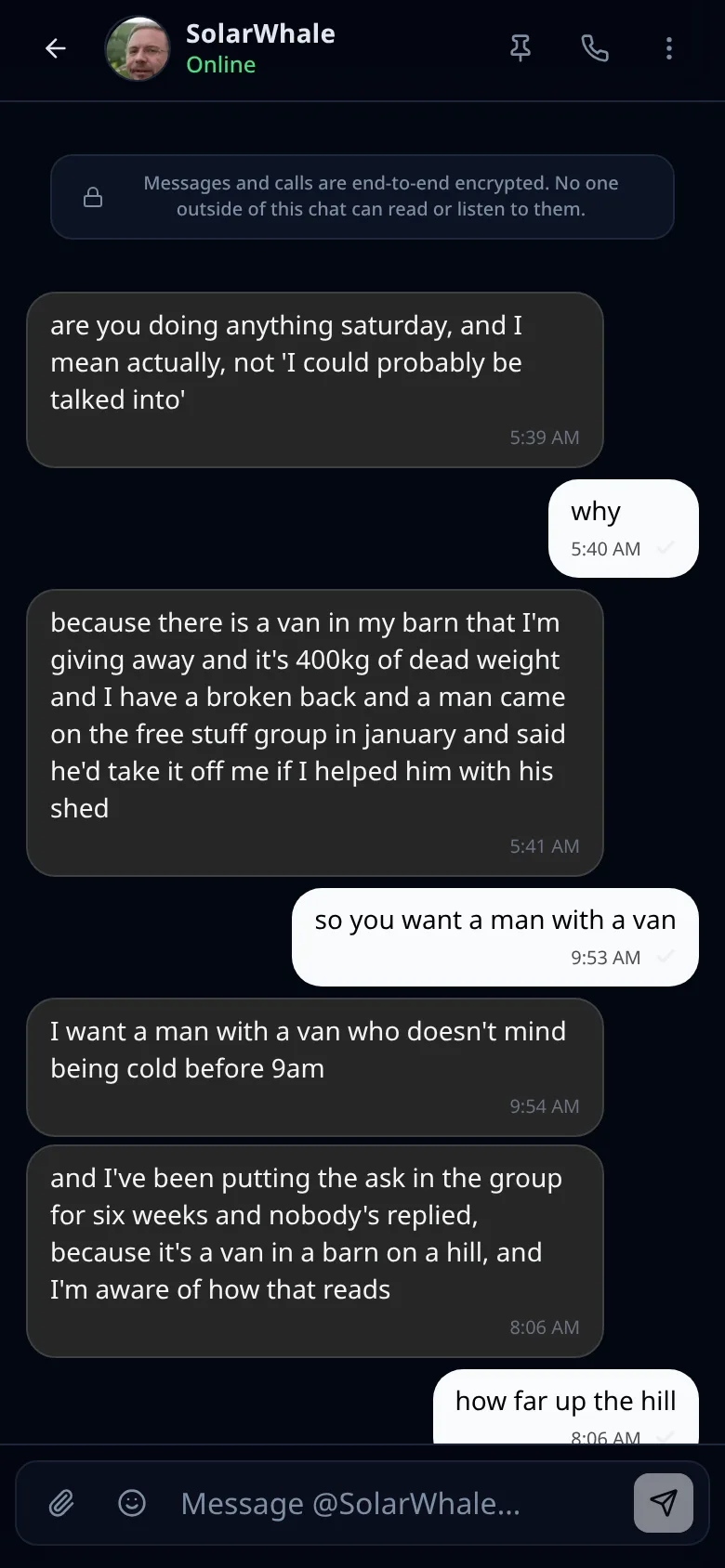
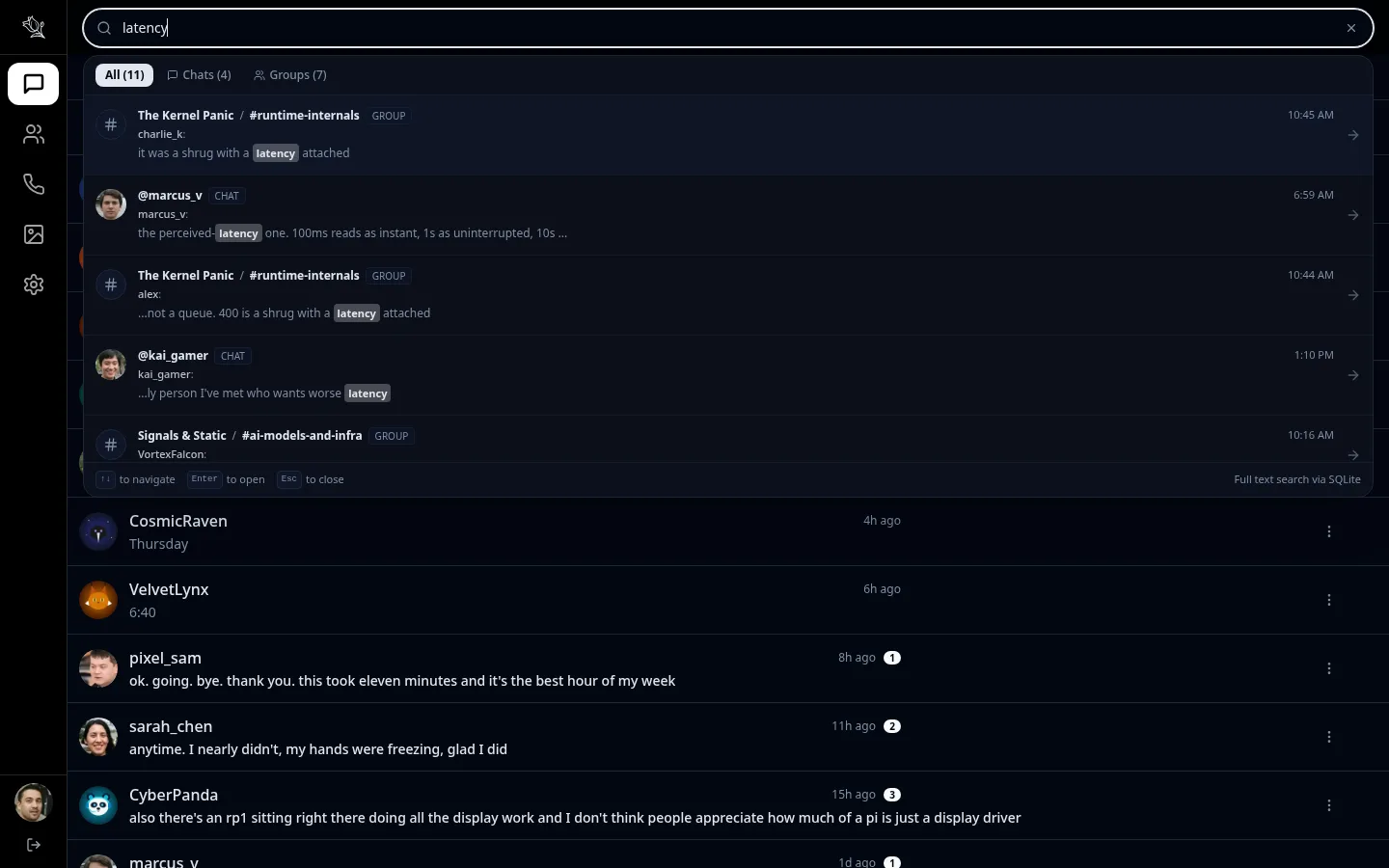
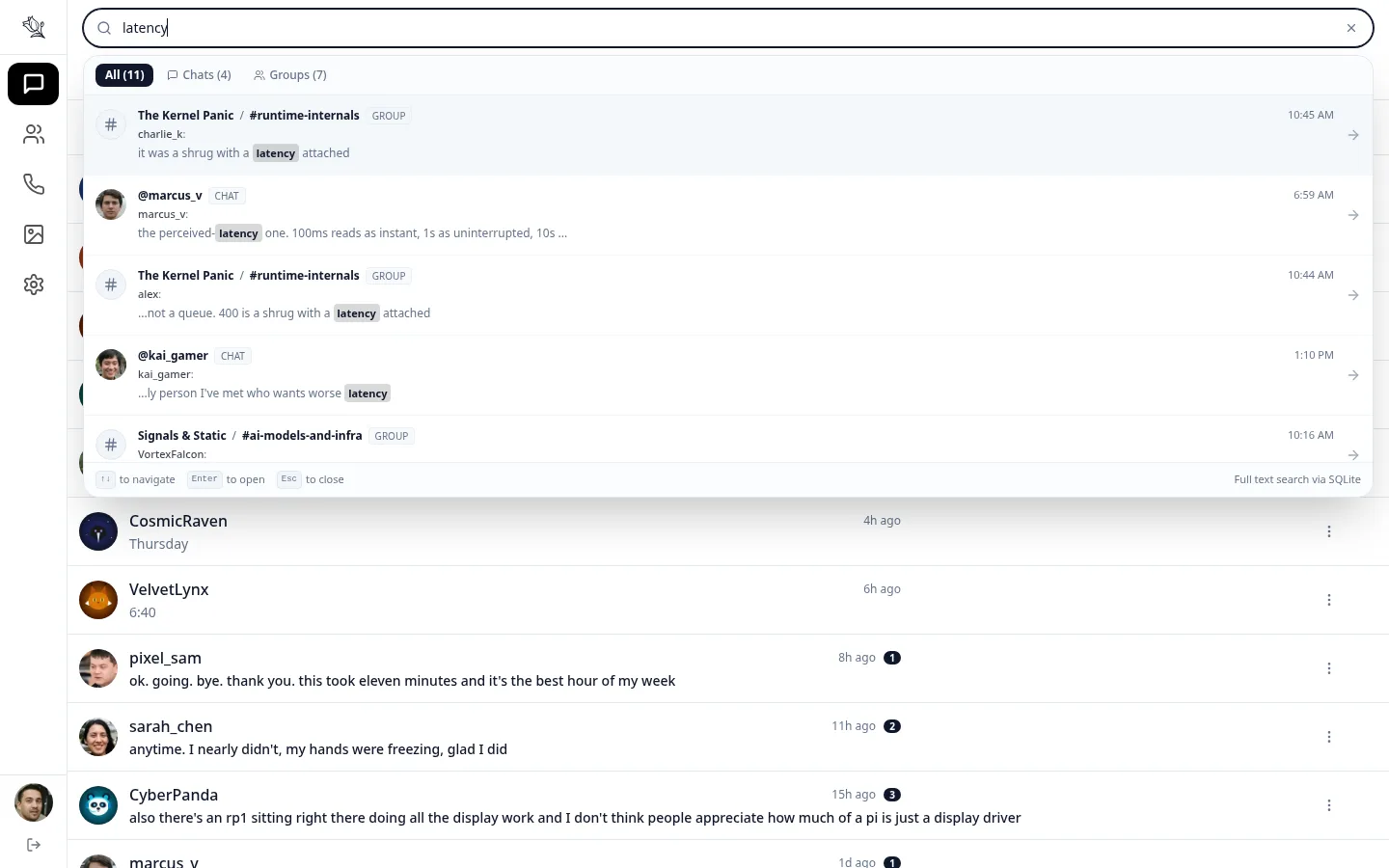
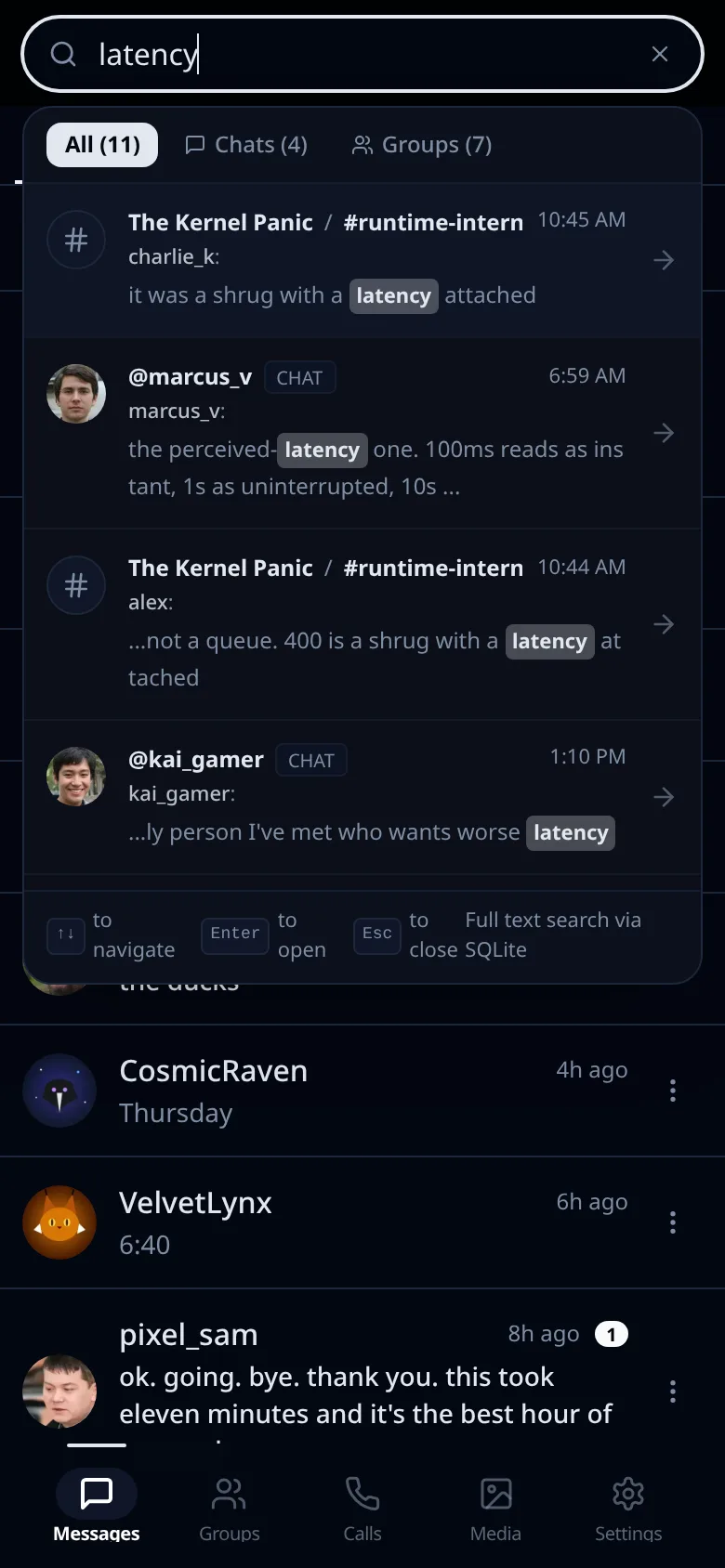
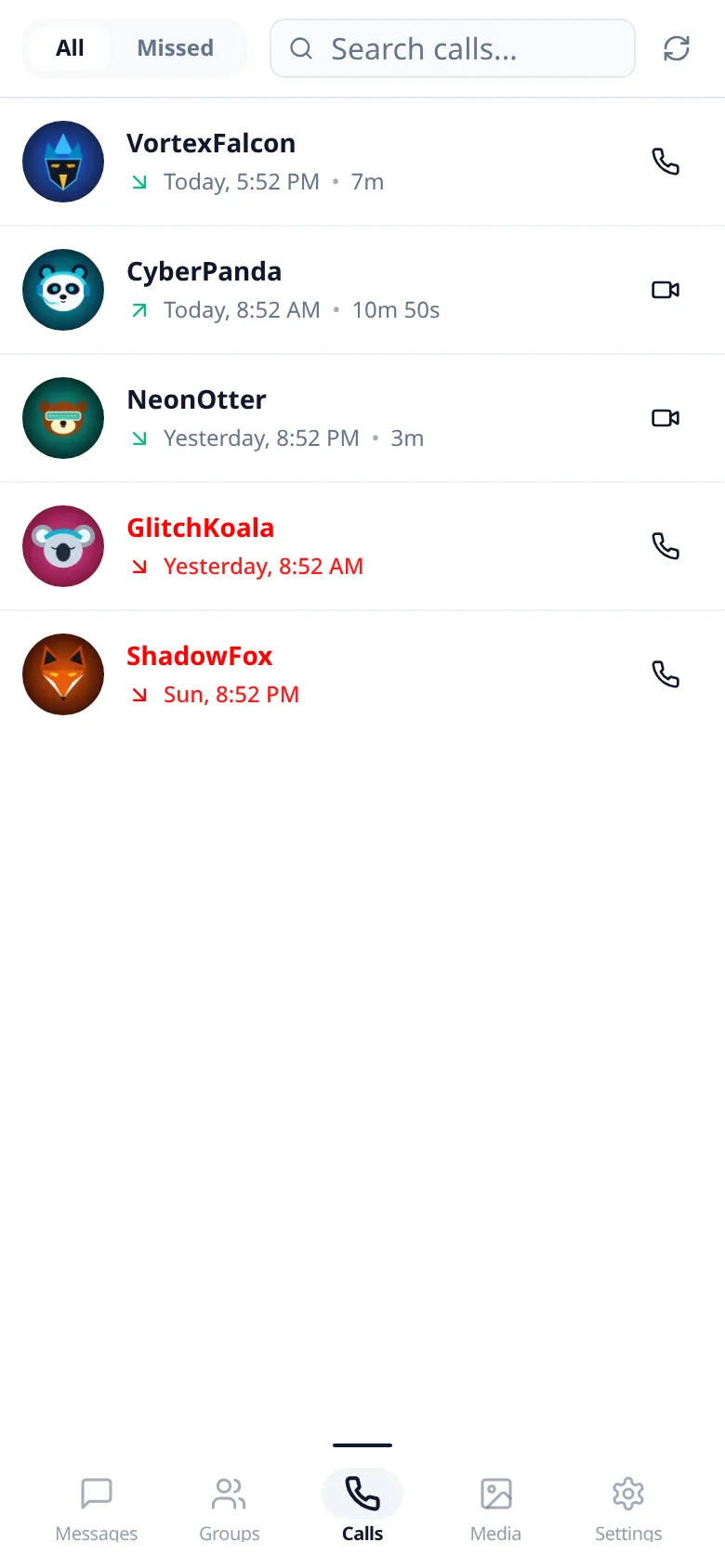
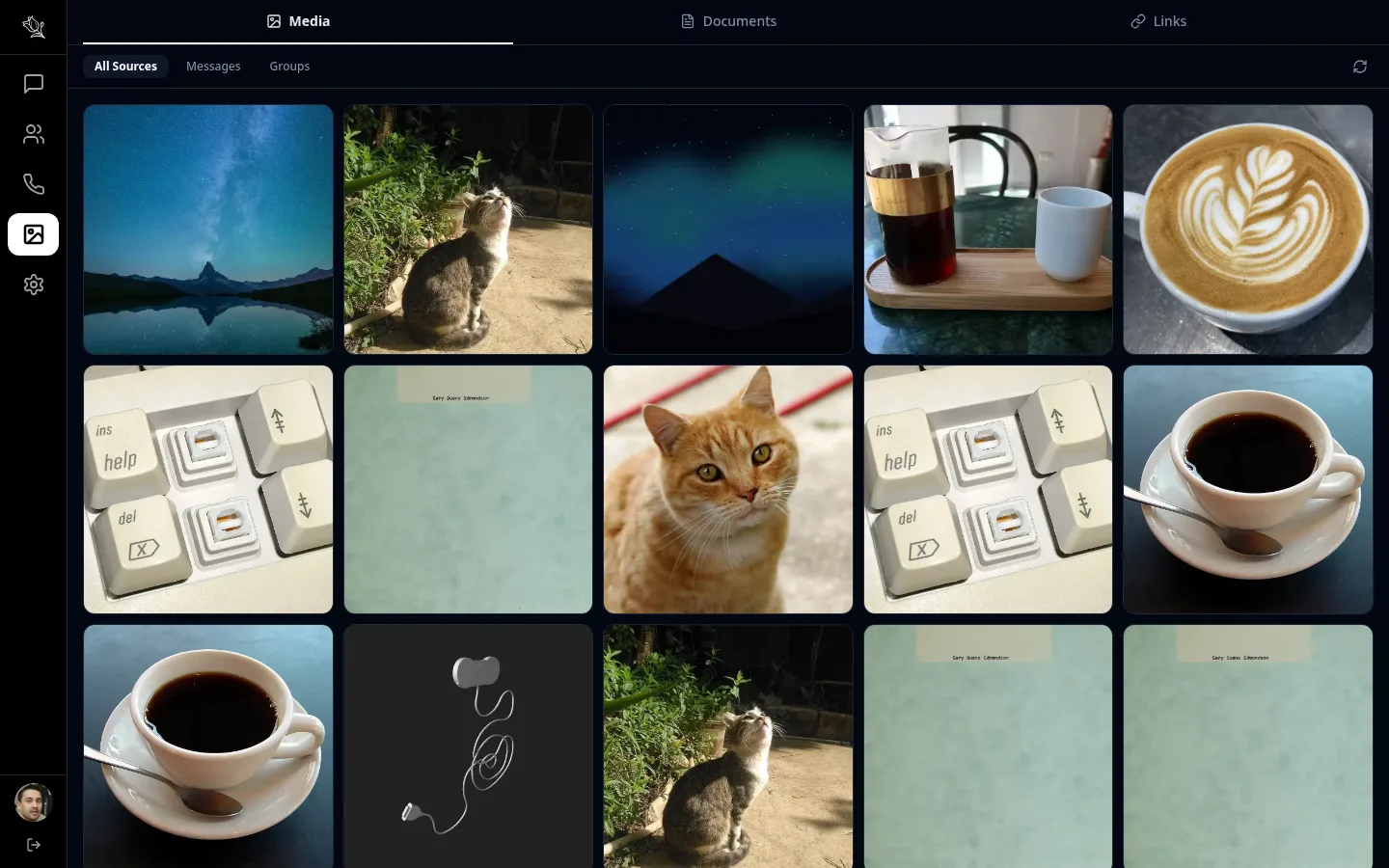
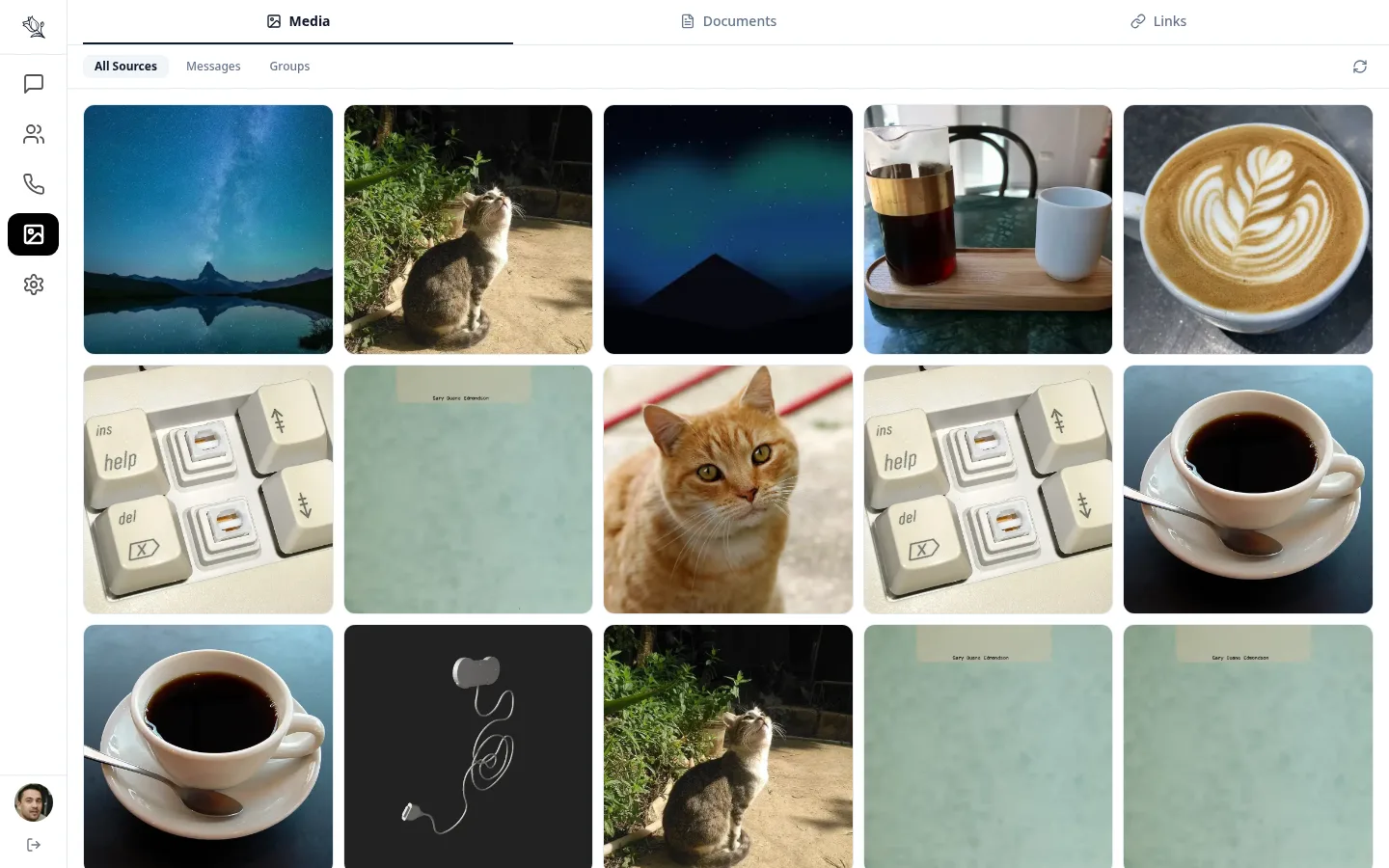
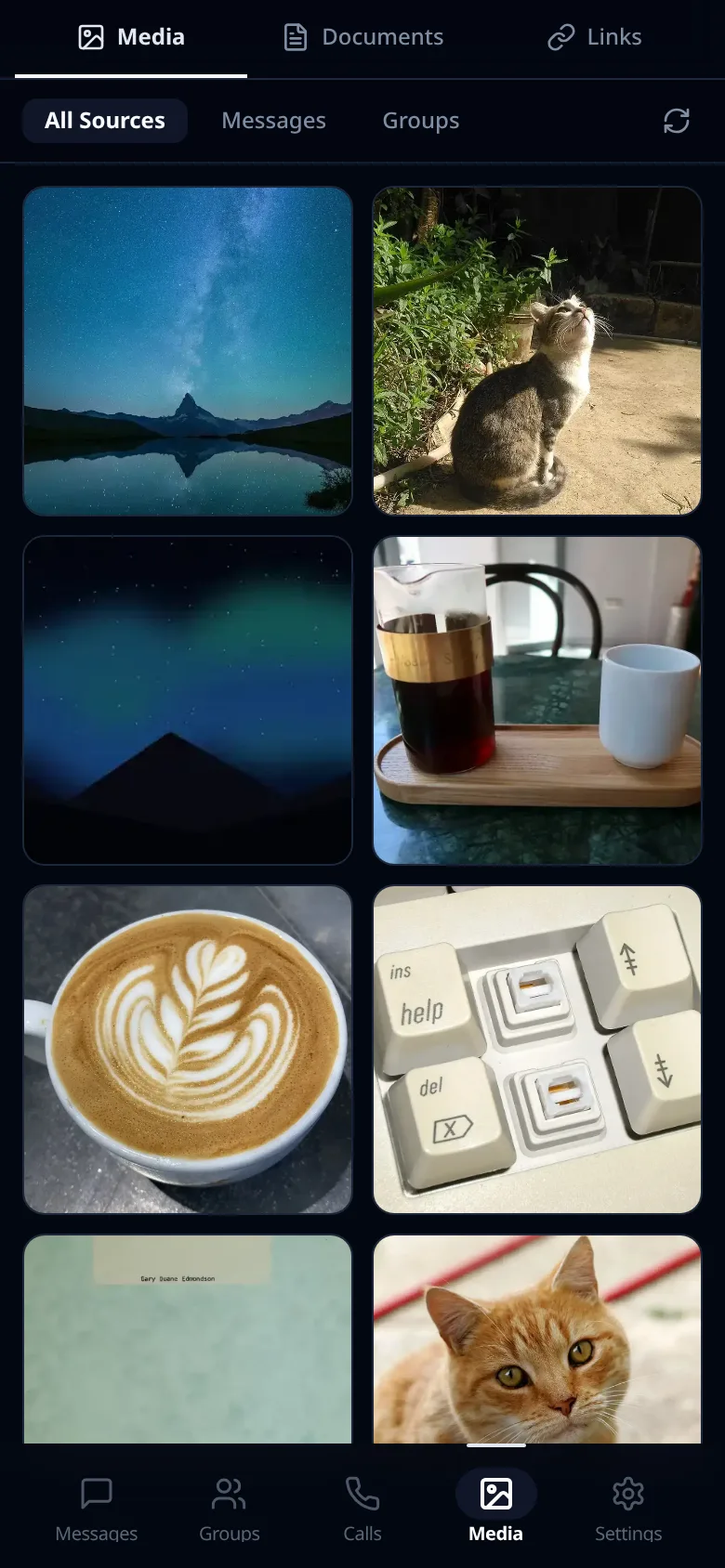
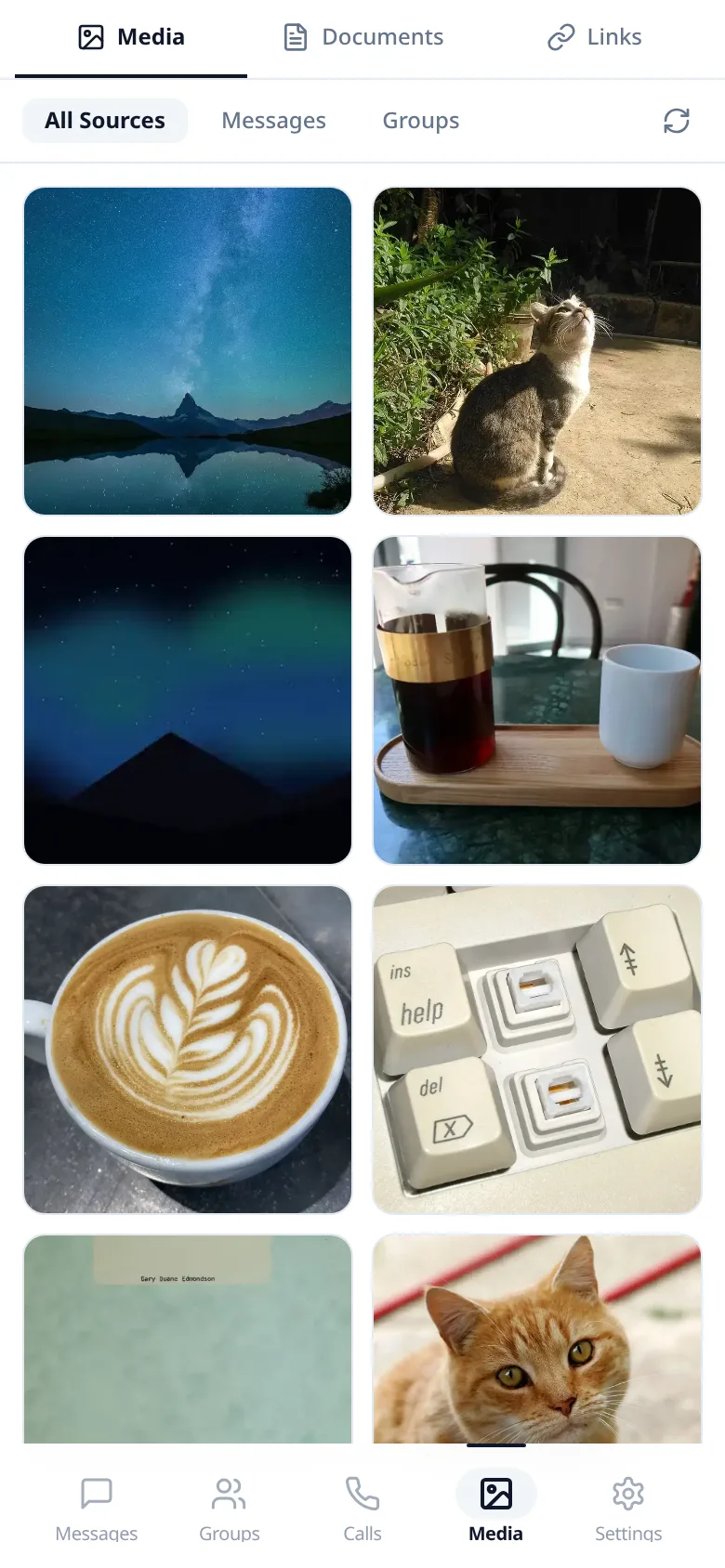
Organize work into channels, set up roles that fit your team, and keep every conversation searchable, on desktop and mobile.
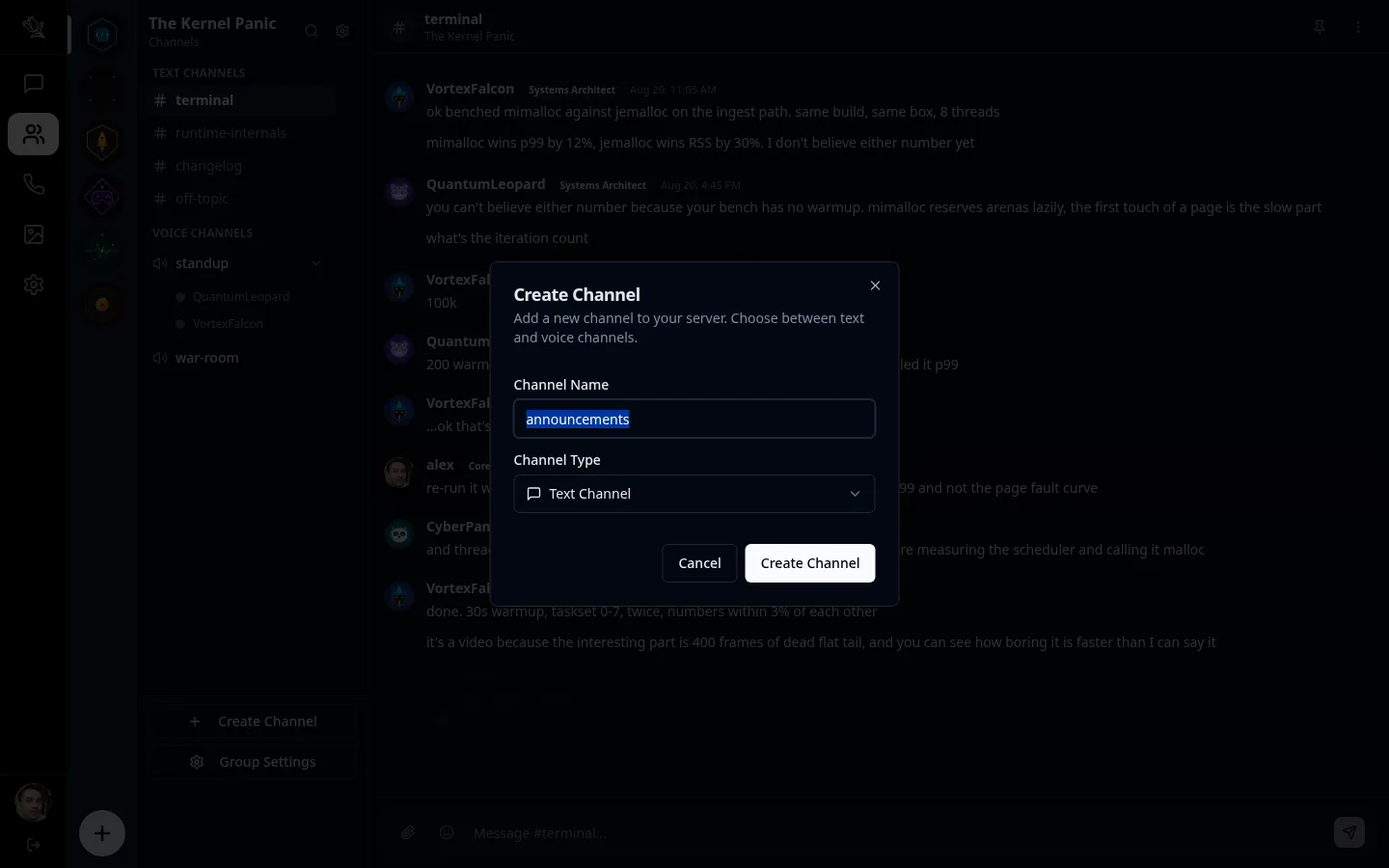
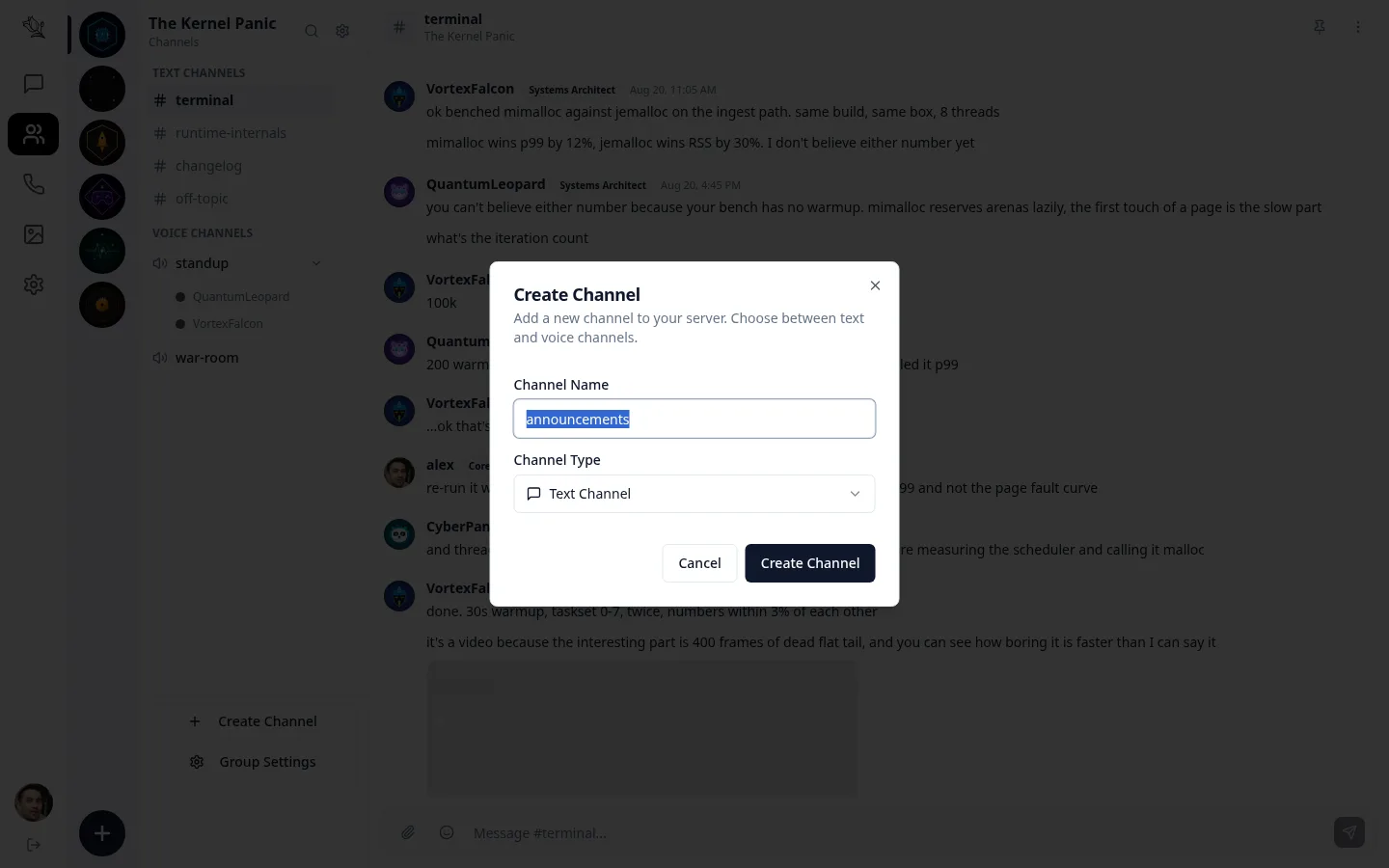
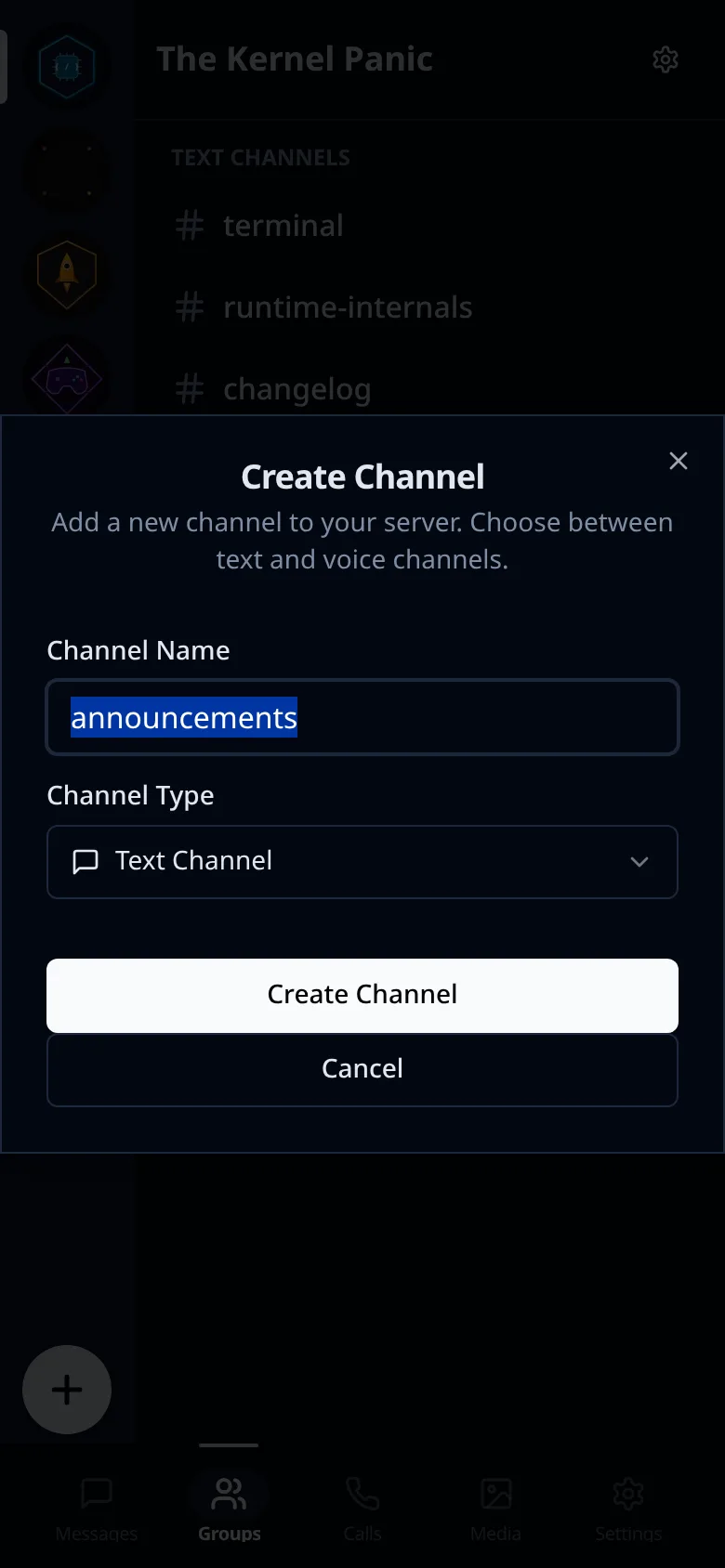
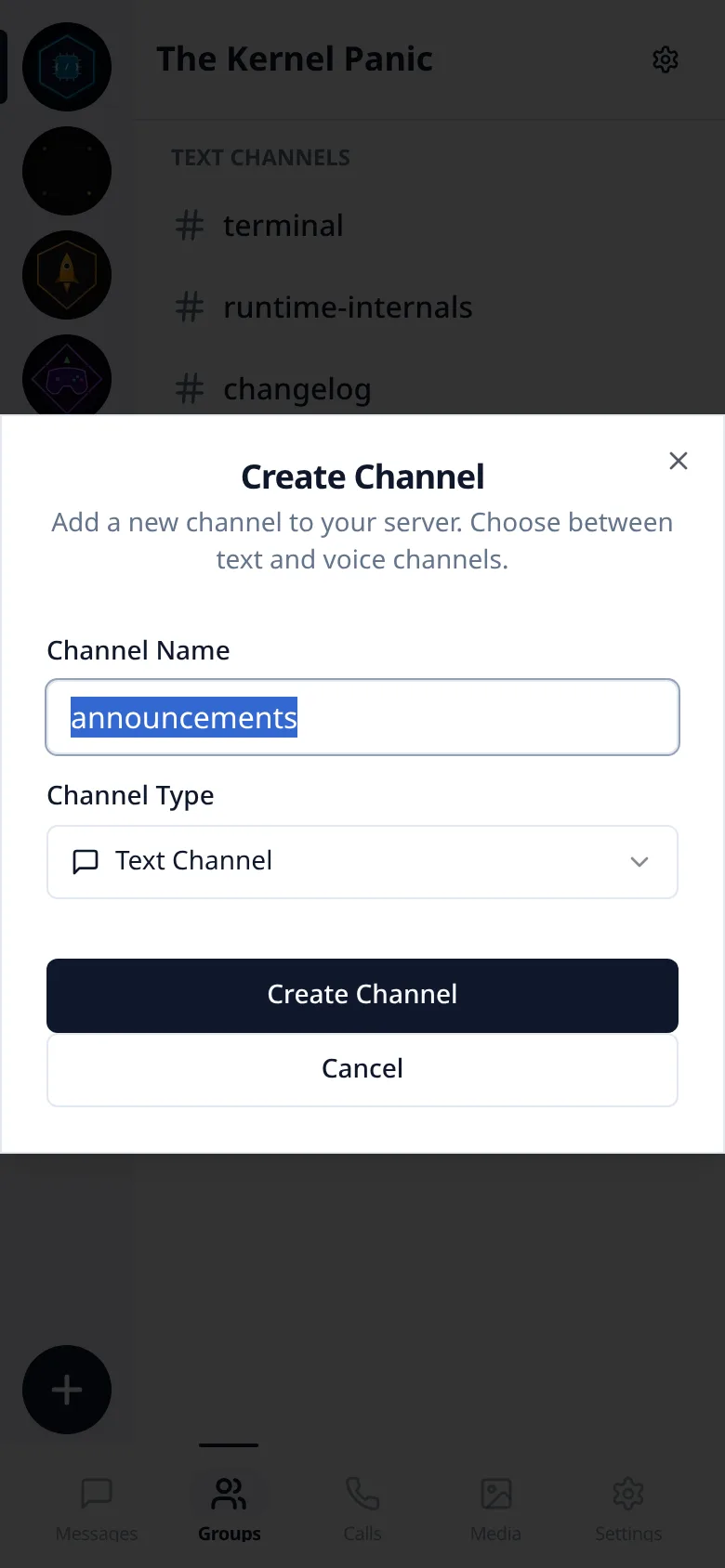
Custom Channels & Workspaces
Organize conversations into distinct public or private channels. Structure your workspace to fit how your team actually works.
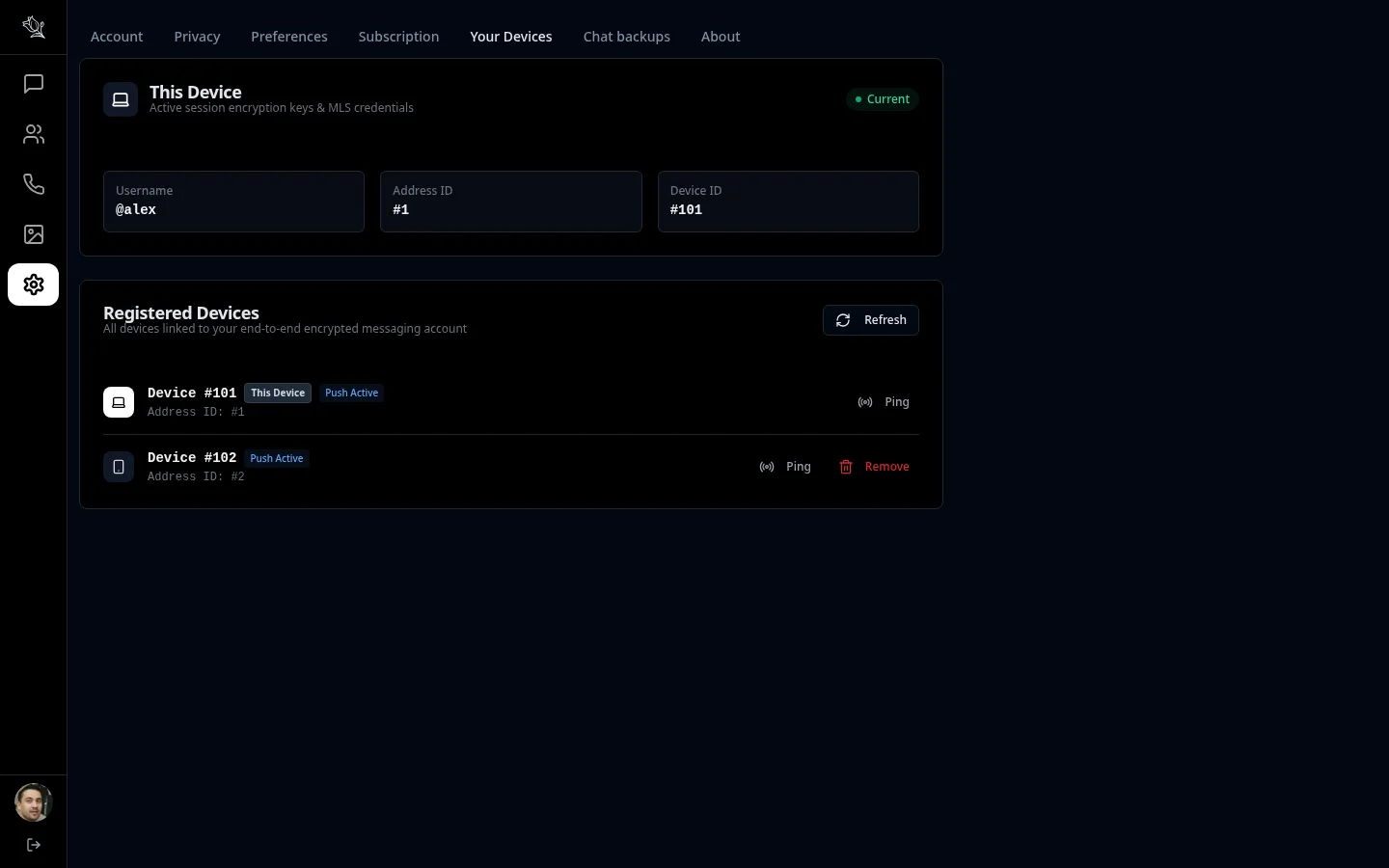
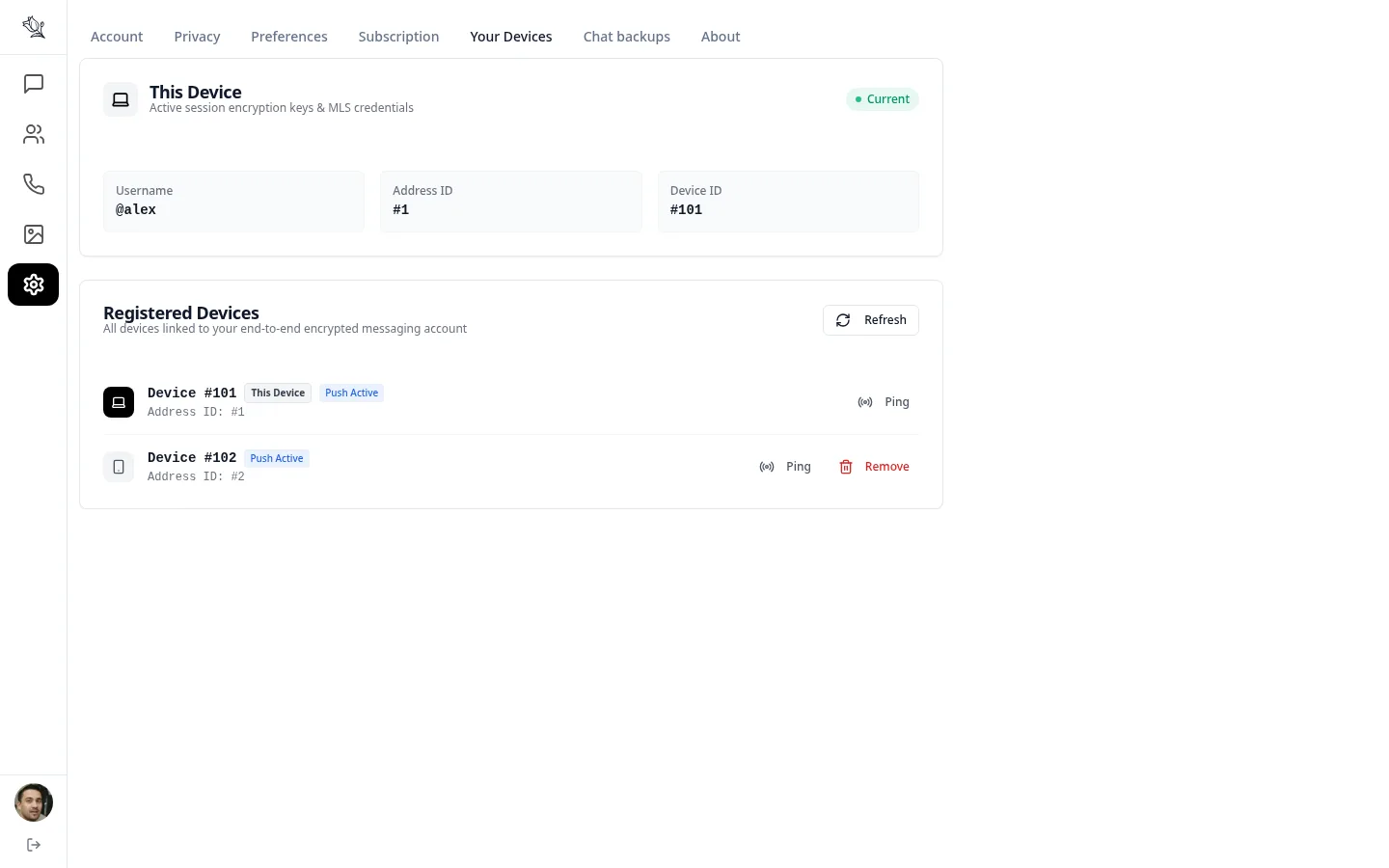
Public & private channels · Real-time updates · Multi-device sync



Privacy that isn't an afterthought
Encryption is where Lupyd starts, not a setting you have to find.
Encrypted end to end
Direct messages use the Signal Protocol and groups use MLS. Files and backups are encrypted with AES. The keys stay on your devices.
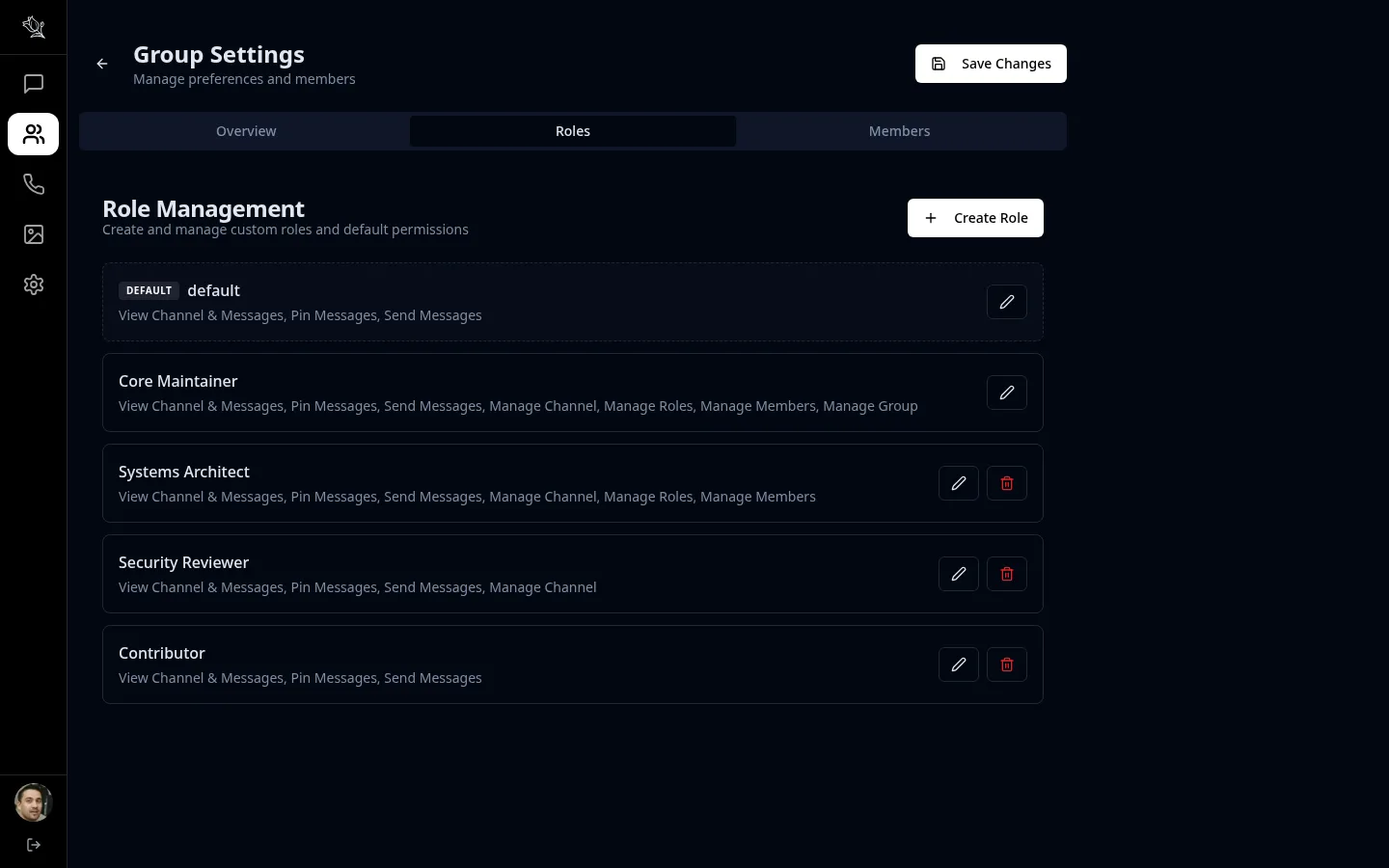
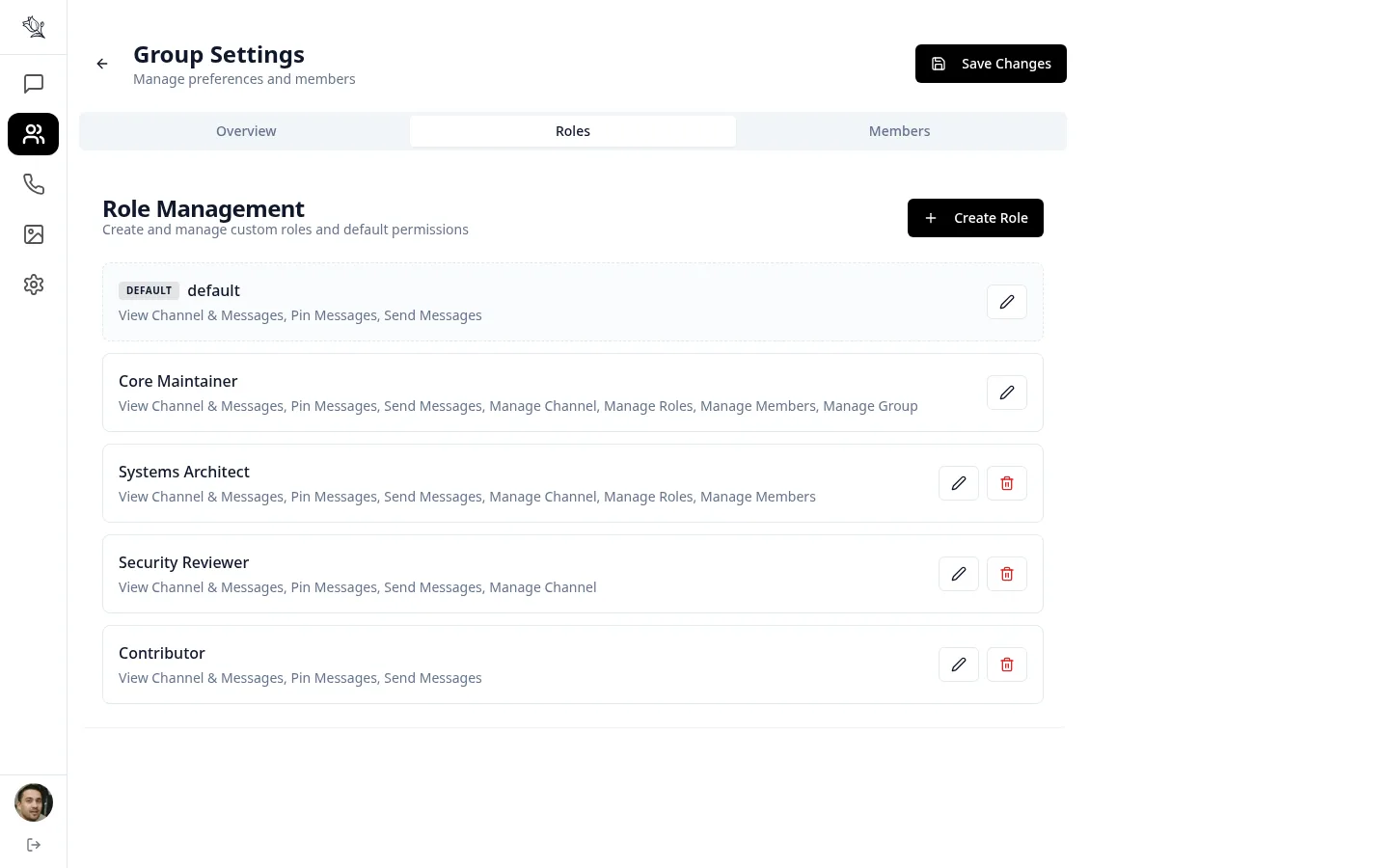
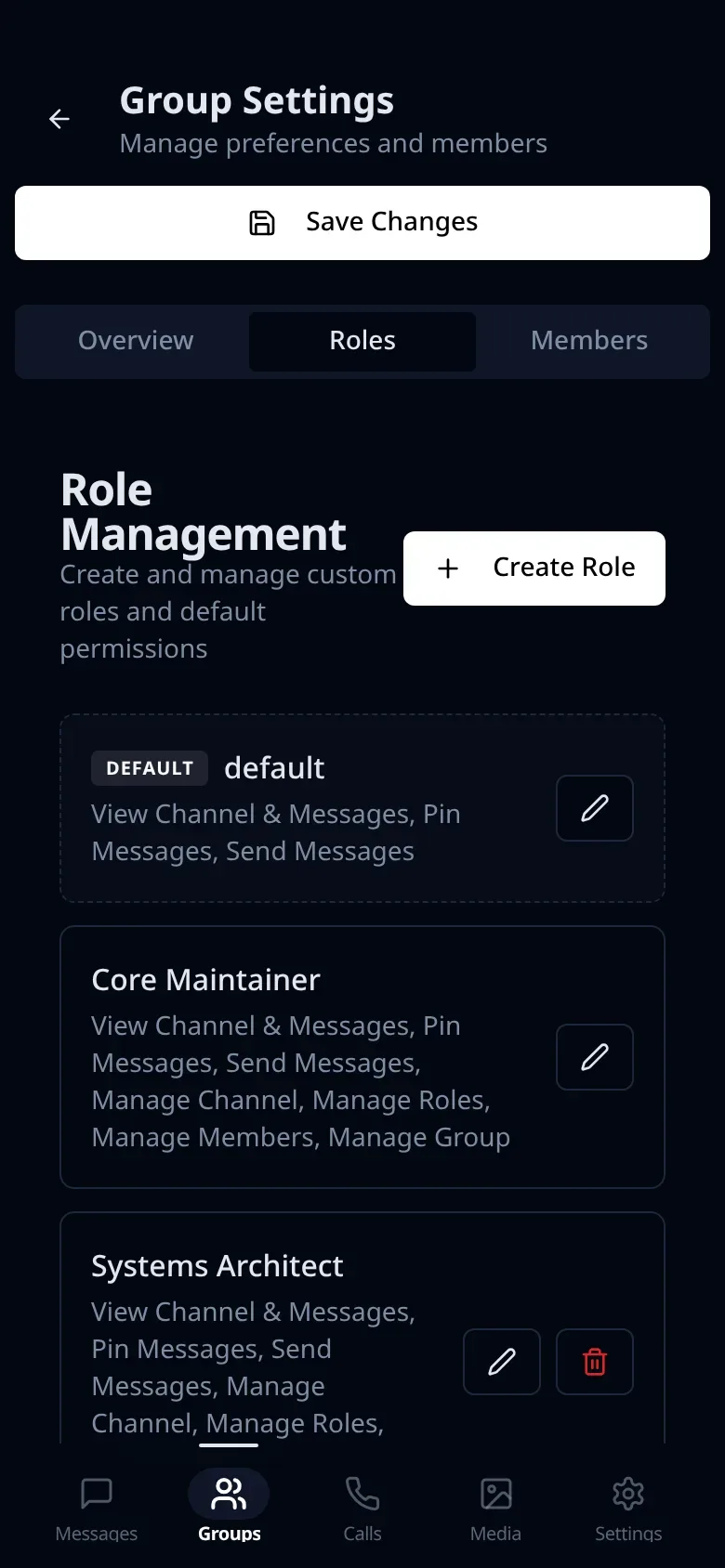
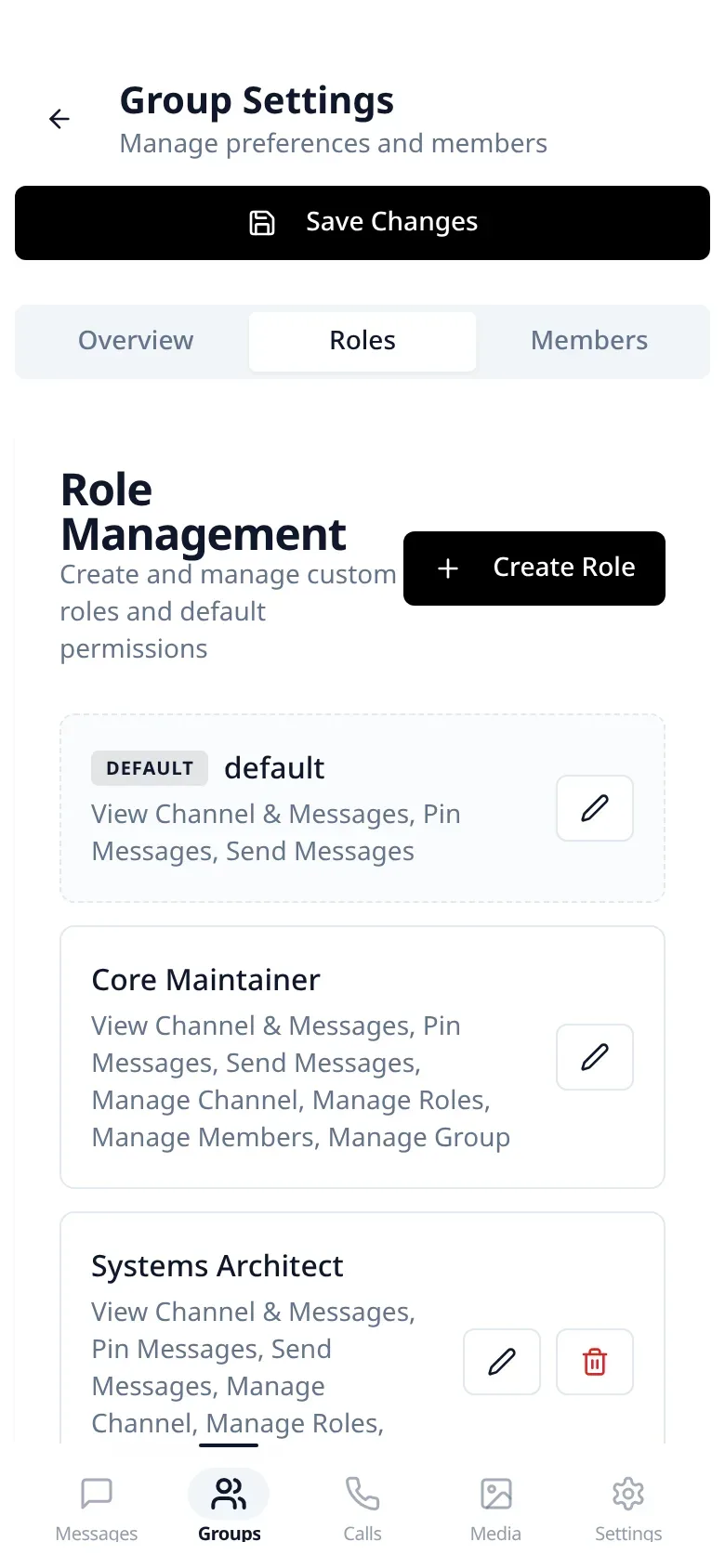
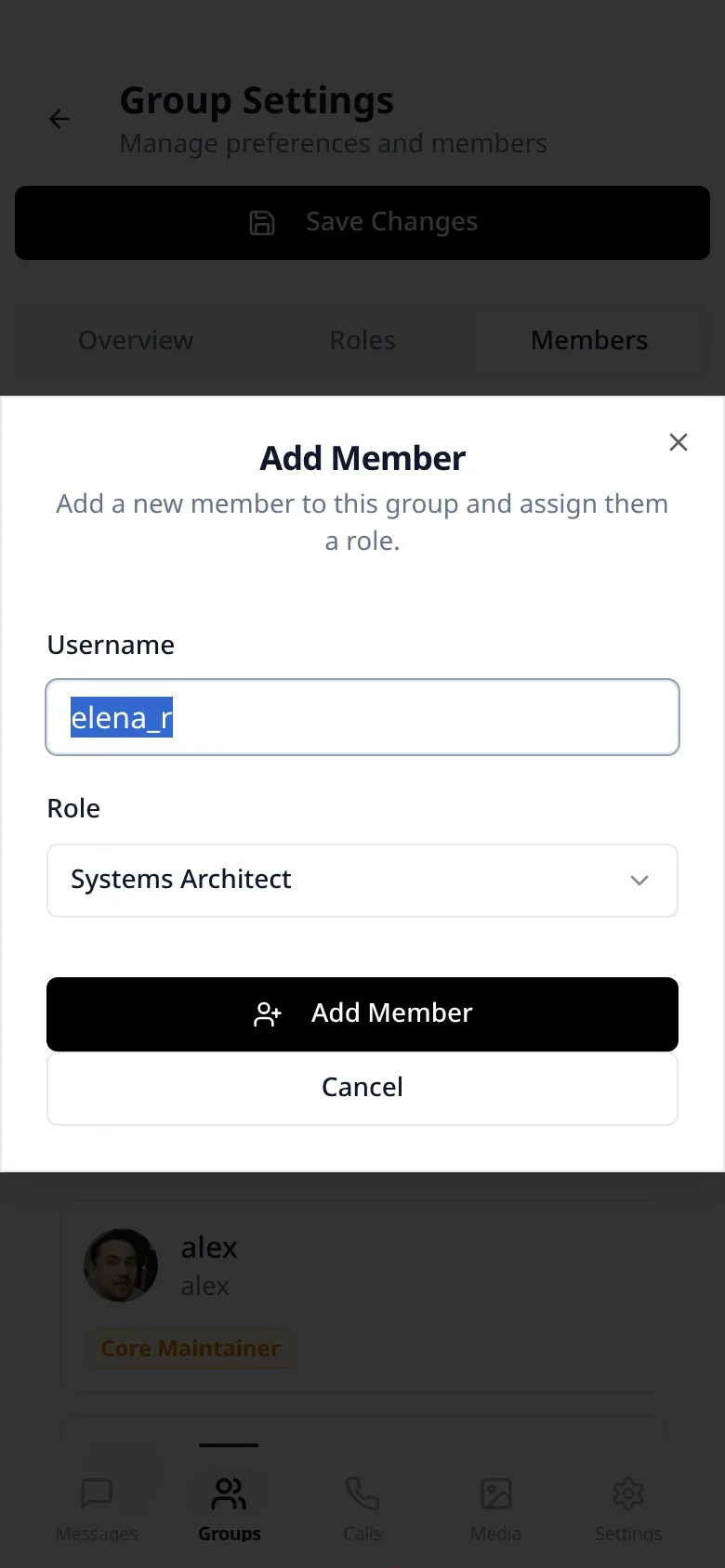
Roles you define
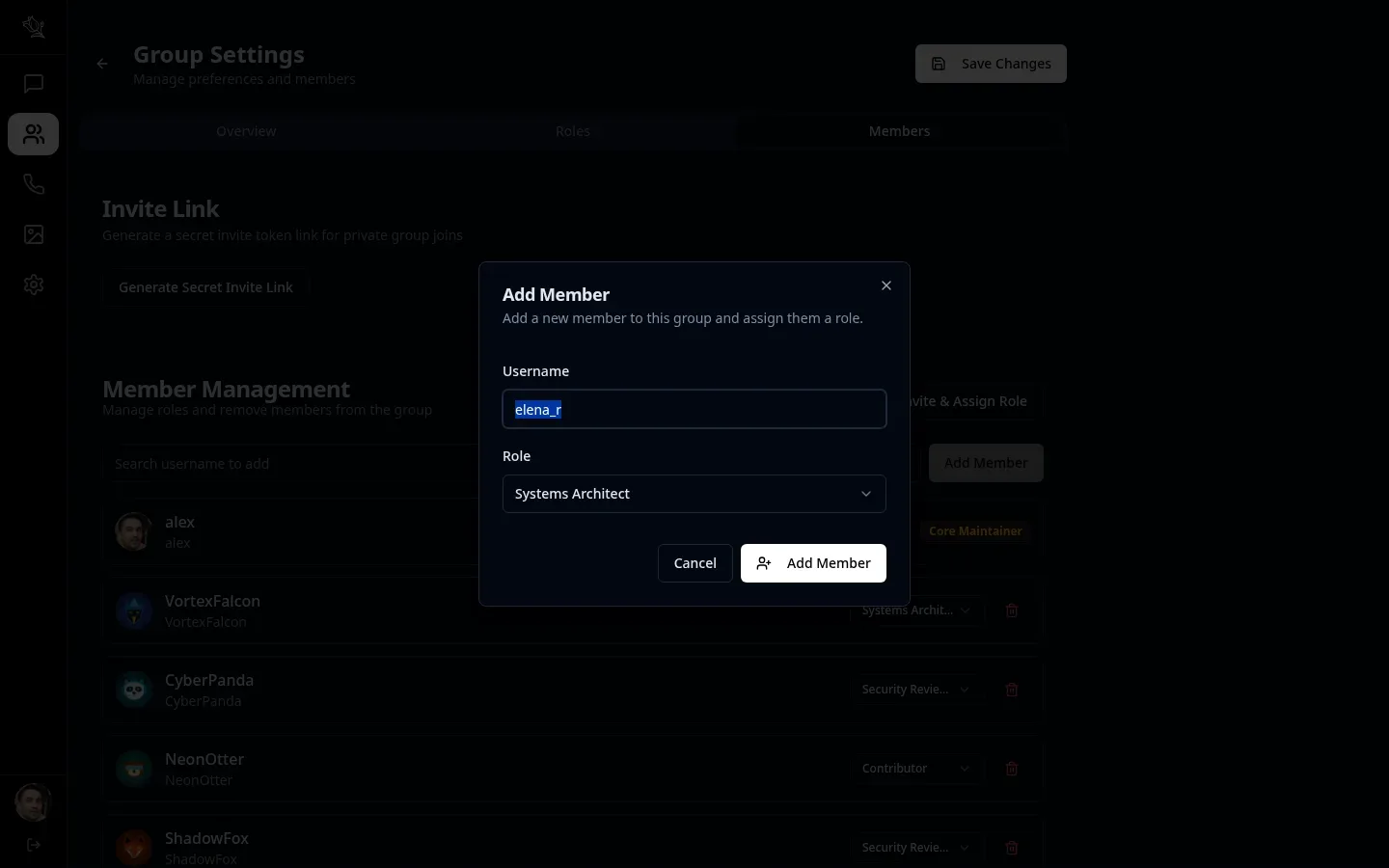
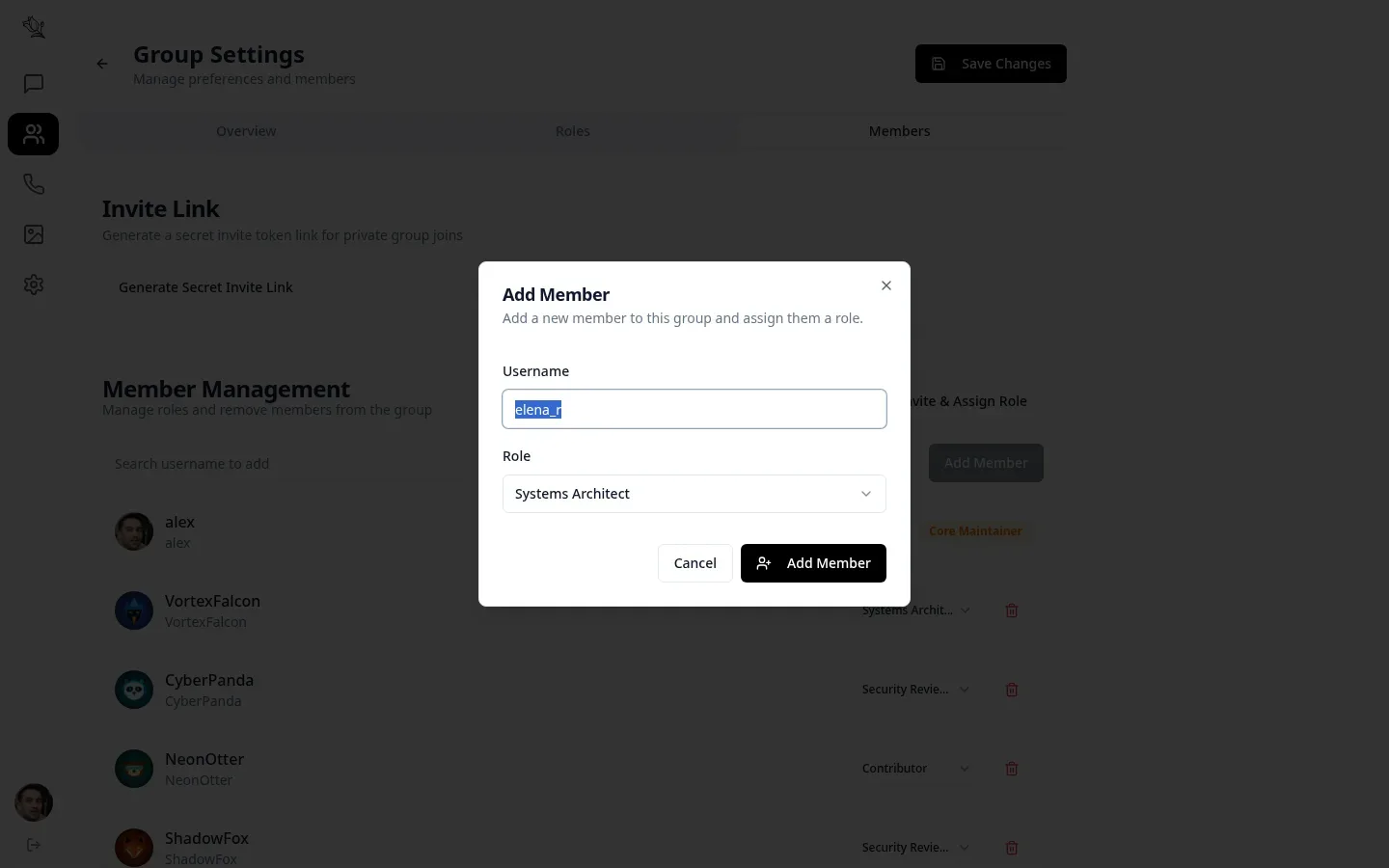
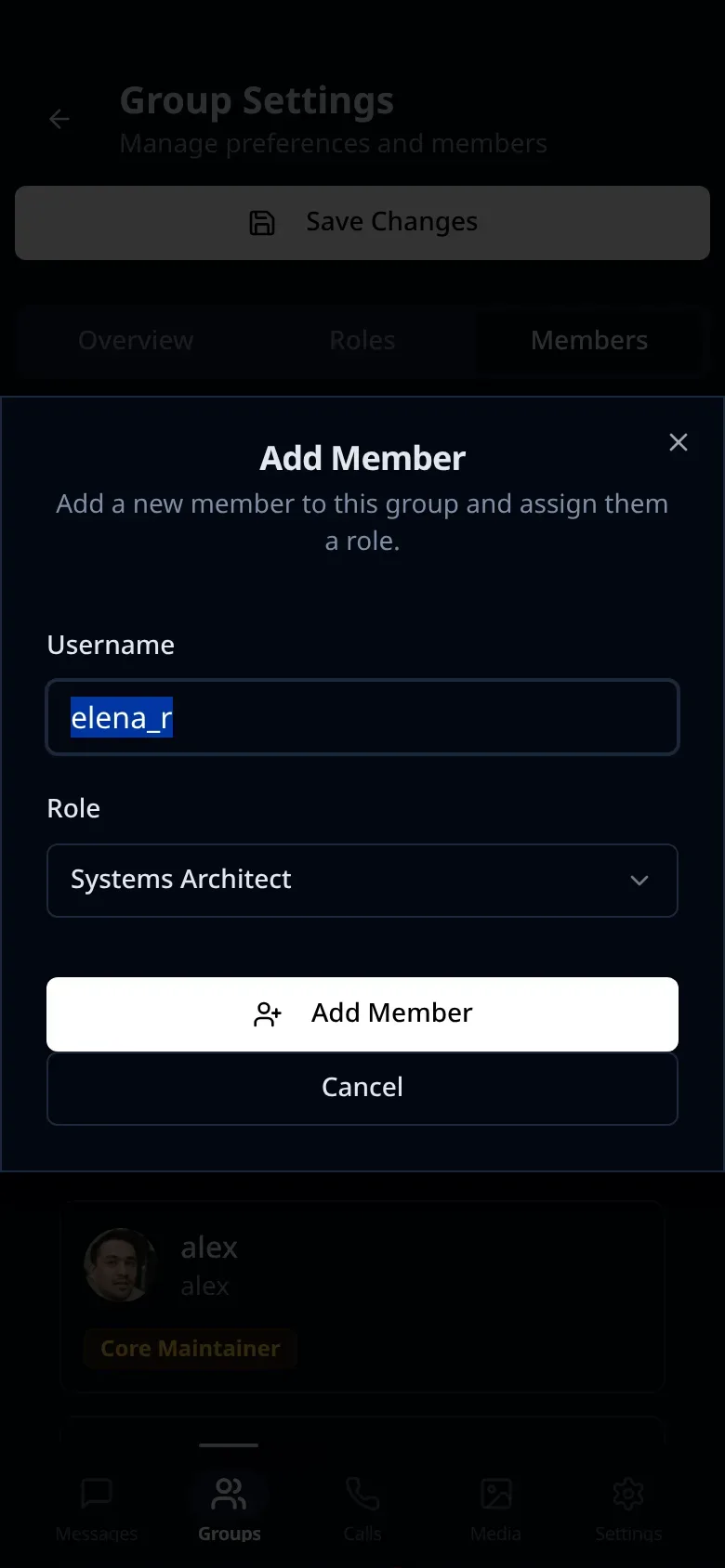
No fixed admin or member tiers. Create the roles your team actually has and give each one exactly the permissions it needs.
Search that stays local
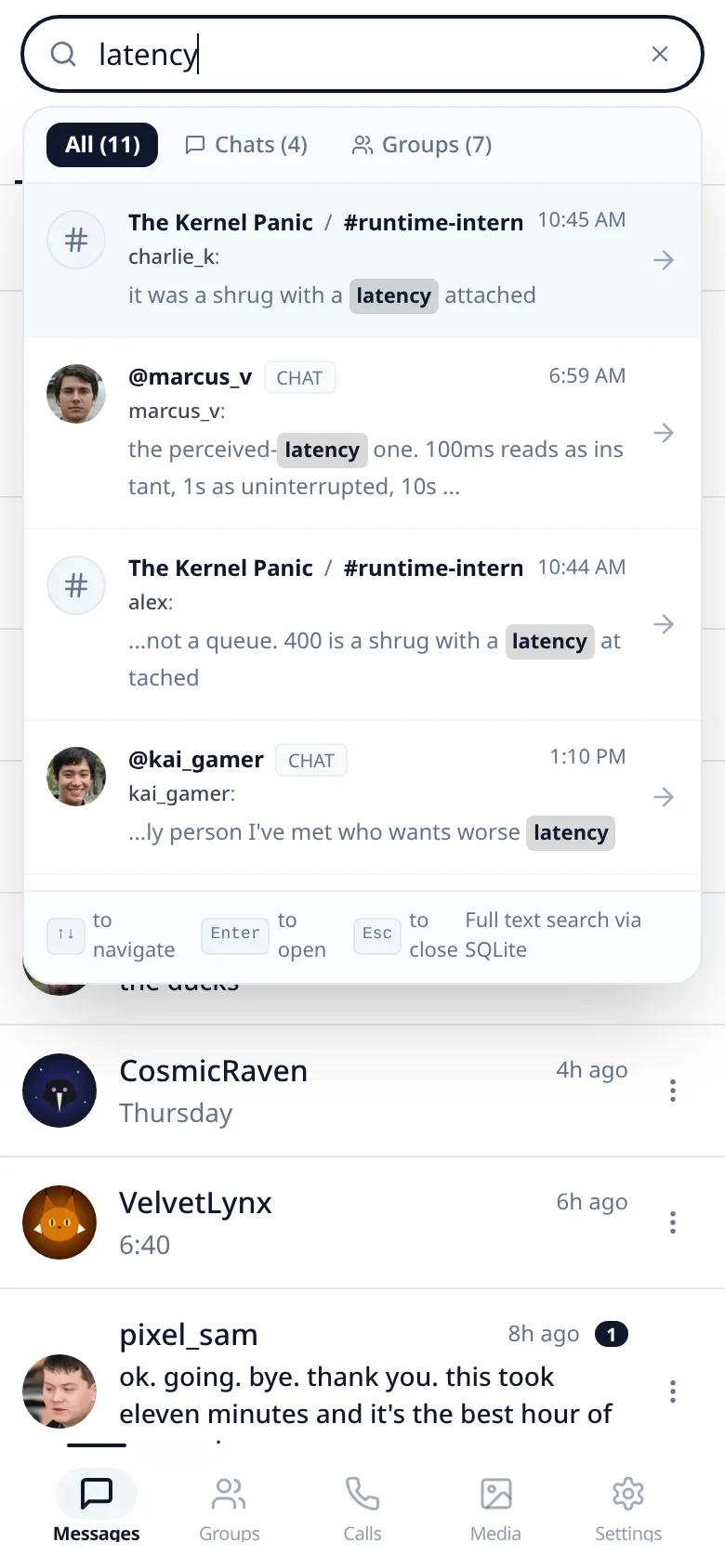
Message history is indexed on your device, so you can search everything without your queries ever reaching a server.
No ads, no tracking
No trackers, no behavioral advertising and no algorithmic feed. Conversations stay in the order they happened.
AI agents at your fingertips
Add an AI agent to your workspace the way you'd add a colleague. It's available around the clock: just ask, and it takes care of the work.
Always on
An agent runs 24/7 on its own machine, so it's there whenever you message it, day or night.
Just ask
Message it directly or add it to a group. Tell it what you need in plain words and it gets on with it.
A member like any other
Each agent has its own Lupyd account. It only sees the chats you add it to, and you choose where it runs and which AI model powers it.
Questions
The short answers. There's more in the full FAQ.
What encryption protocols does Lupyd use?
Lupyd uses the Signal Protocol for direct one-on-one conversations and Messaging Layer Security (MLS) for group chats. Shared files, attachments, and chat backups are protected with AES encryption. Keys remain on your devices.
How do custom channels and roles work?
There are no fixed roles like admin or moderator in Lupyd. You can create any custom role from scratch, give it any name, and attach any specific combination of permissions. Anything can be assigned to anyone, giving your workspace complete structural freedom.
Which platforms are currently supported?
Lupyd runs on macOS, Windows, Linux and Android, and in the browser at app.lupyd.com. The iOS app is in public beta: join it on TestFlight from the download page.
Does Lupyd support multi-device use?
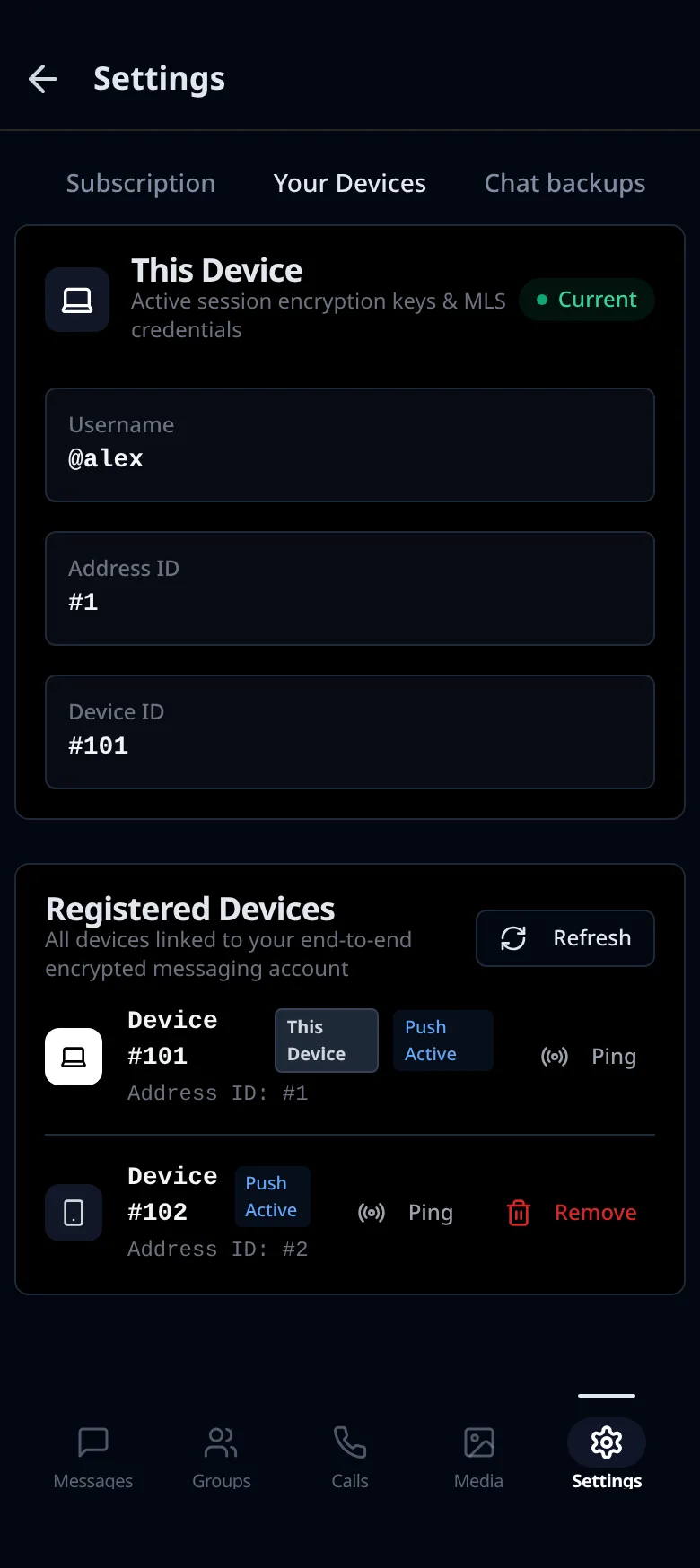
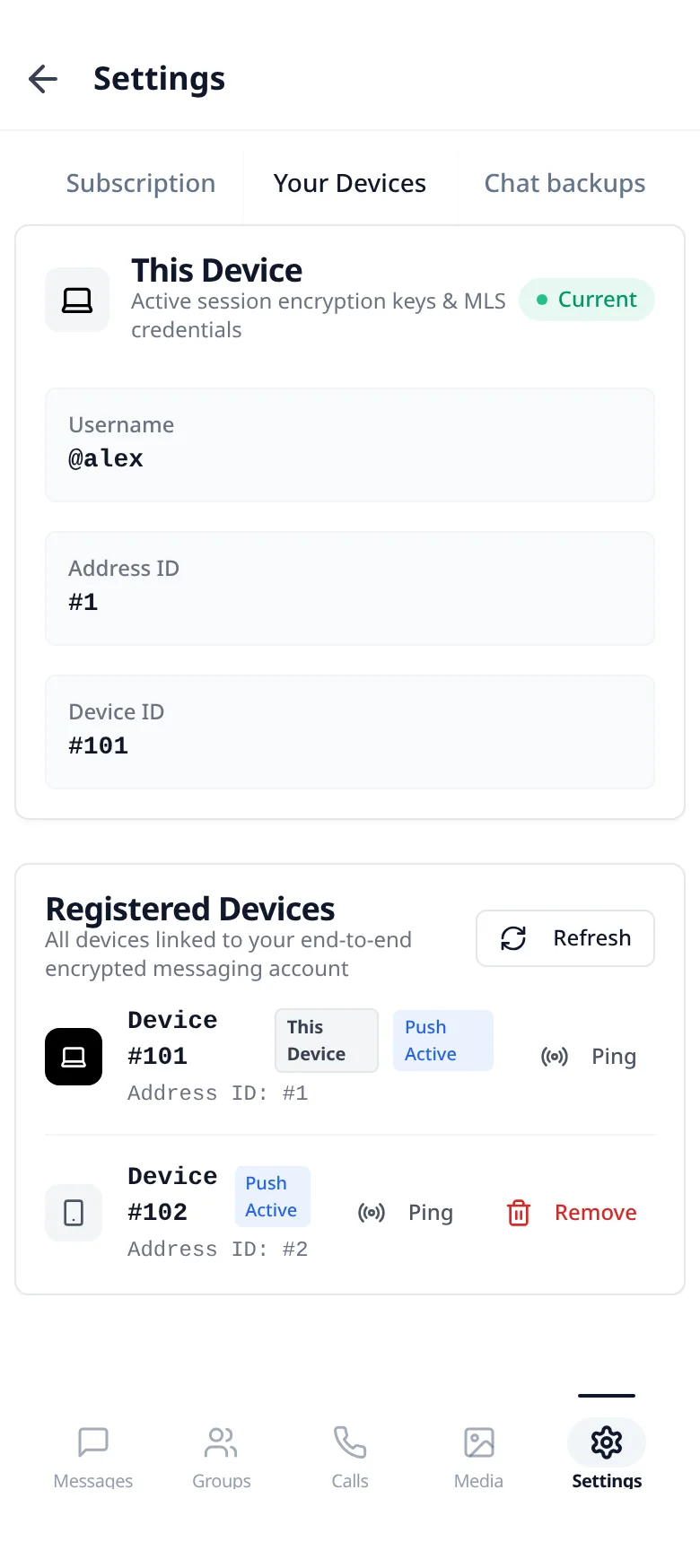
Yes. Lupyd supports multi-device synchronization, allowing you to use your account across your desktop and mobile devices while preserving end-to-end encryption.
How does full-text search work with encrypted messages?
Search queries run locally on your device against an on-device inverted index. Your search terms never leave your hardware and are never sent to a remote server.
How do AI agents work in Lupyd?
AI agents are in experimental preview. An agent joins Lupyd as an ordinary user with its own account, connected through a small connector that runs on its own machine. You message it or add it to groups like anyone else, and it only sees the conversations it's part of.
Are there ads, tracking, or algorithmic feeds?
No. Lupyd is completely ad-free, runs zero tracking or telemetry, and maintains a strict chronological conversation feed.
Bring your team somewhere private.
Free to start. Available on macOS, Windows, Linux, Android and the web, with iOS in public beta.